CodePTIT Copier

Sửa lỗi dòng trống thừa khi copy Testcase trên CodePTIT

目前為 2025-12-12 提交的版本,檢視 最新版本

您需要先安裝使用者腳本管理器擴展,如 TampermonkeyGreasemonkeyViolentmonkey 之後才能安裝該腳本。

You will need to install an extension such as Tampermonkey to install this script.

您需要先安裝使用者腳本管理器擴充功能,如 TampermonkeyViolentmonkey 後才能安裝該腳本。

您需要先安裝使用者腳本管理器擴充功能,如 TampermonkeyUserscripts 後才能安裝該腳本。

你需要先安裝一款使用者腳本管理器擴展,比如 Tampermonkey,才能安裝此腳本

您需要先安裝使用者腳本管理器擴充功能後才能安裝該腳本。

(我已經安裝了使用者腳本管理器,讓我安裝!)

你需要先安裝一款使用者樣式管理器擴展,比如 Stylus,才能安裝此樣式

你需要先安裝一款使用者樣式管理器擴展,比如 Stylus,才能安裝此樣式

你需要先安裝一款使用者樣式管理器擴展,比如 Stylus,才能安裝此樣式

你需要先安裝一款使用者樣式管理器擴展後才能安裝此樣式

你需要先安裝一款使用者樣式管理器擴展後才能安裝此樣式

你需要先安裝一款使用者樣式管理器擴展後才能安裝此樣式

(我已經安裝了使用者樣式管理器,讓我安裝!)

作者
nvbangg
評價
0 0 0
版本
1.7
建立日期
2025-05-15
更新日期
2025-12-12
尺寸
3.2 KB
授權條款
GPL-3.0
腳本執行於

CodePTIT Copier

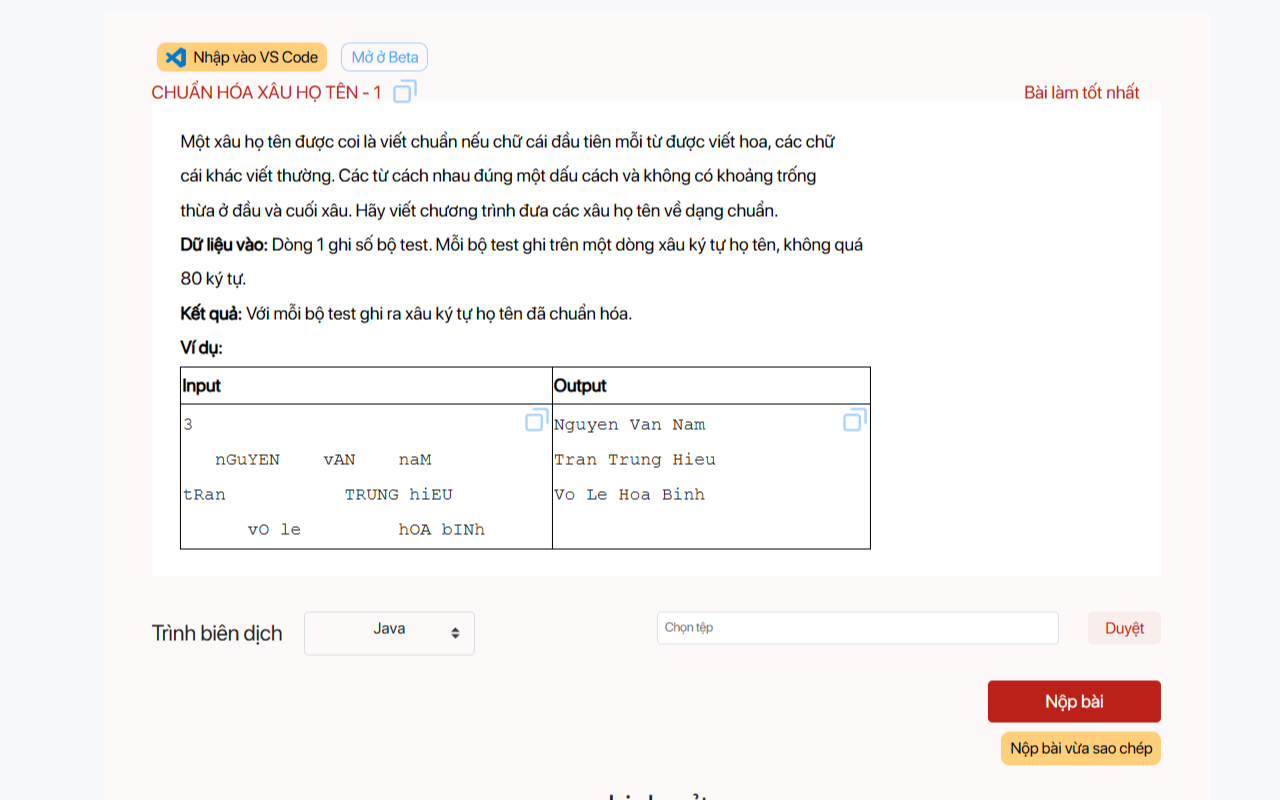
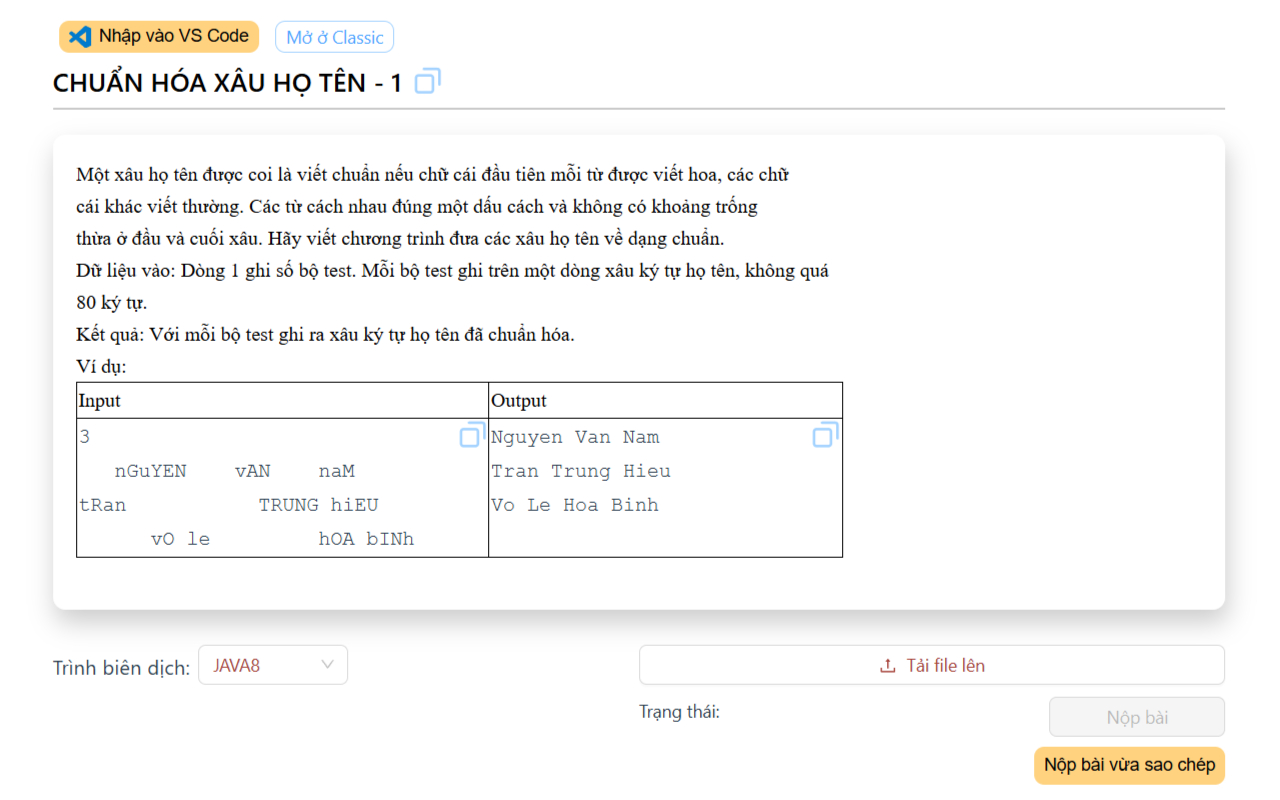
Sửa lỗi dòng trống thừa khi copy trên CodePTIT. Tạo nút copy nhanh Testcase và Mã bài + Tên bài được chuẩn hóa


Homepage Available in the Chrome Web Store

📌 TÍNH NĂNG:

  • ❌ Sửa lỗi dòng trống thừa khi copy Testcase trên CodePTIT (cả trang beta)
  • ⚡ Tạo nút copy nhanh Testcase và Mã bài + Tên bài được chuẩn hóa để đặt tên cho file
    • 💡 Ví dụ copy: J04019_LopTriangle1.cpp hoặc J04019_Lop_Triangle_1.cpp cho bài LỚP TRIANGLE - 1
  • ⚡ Hỗ trợ copy và paste nhanh input, output cùng lúc vào CPH (dùng cùng KeyClipboard)

⬇️ CÁCH CÀI ĐẶT:

  • 🌐 Cài từ Chrome Web Store: CodePTIT_Copier

  • Hoặc cài như user script từ Greasyfork (hạn chế tính năng, không có settings)



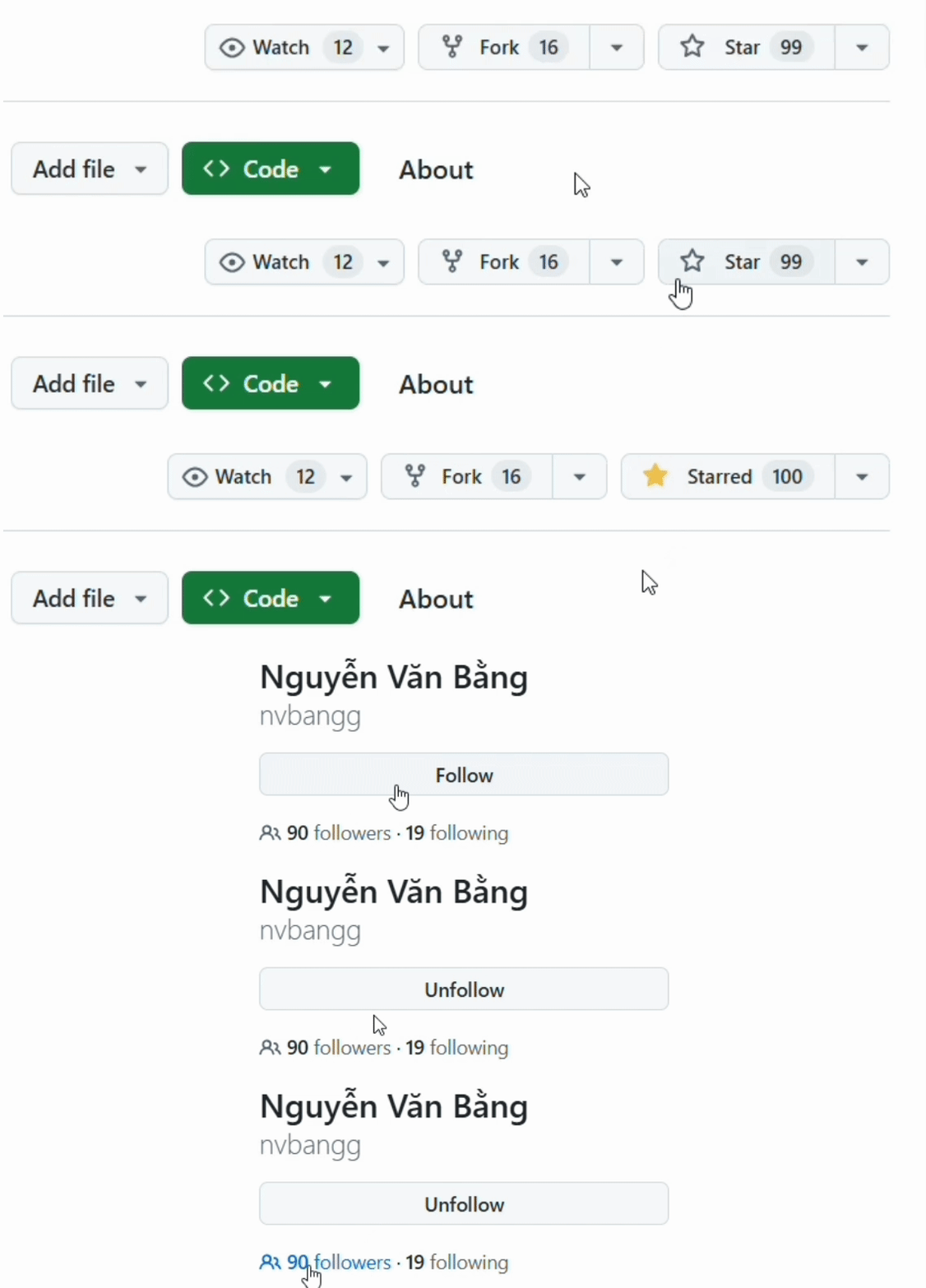
Demo1 Demo2


🔒 Privacy Policy

  • We do not collect or use any personal data from users
  • All user settings are stored locally in the user's browser

📄 License