GitHub 文件夾下載器

添加一個下載按鈕,允許輕鬆下載特定的 GitHub 文件夾。

目前為 2024-08-27 提交的版本,檢視 最新版本

您需要先安裝使用者腳本管理器擴展,如 TampermonkeyGreasemonkeyViolentmonkey 之後才能安裝該腳本。

You will need to install an extension such as Tampermonkey to install this script.

您需要先安裝使用者腳本管理器擴充功能,如 TampermonkeyViolentmonkey 後才能安裝該腳本。

您需要先安裝使用者腳本管理器擴充功能,如 TampermonkeyUserscripts 後才能安裝該腳本。

你需要先安裝一款使用者腳本管理器擴展,比如 Tampermonkey,才能安裝此腳本

您需要先安裝使用者腳本管理器擴充功能後才能安裝該腳本。

(我已經安裝了使用者腳本管理器,讓我安裝!)

你需要先安裝一款使用者樣式管理器擴展,比如 Stylus,才能安裝此樣式

你需要先安裝一款使用者樣式管理器擴展,比如 Stylus,才能安裝此樣式

你需要先安裝一款使用者樣式管理器擴展,比如 Stylus,才能安裝此樣式

你需要先安裝一款使用者樣式管理器擴展後才能安裝此樣式

你需要先安裝一款使用者樣式管理器擴展後才能安裝此樣式

你需要先安裝一款使用者樣式管理器擴展後才能安裝此樣式

(我已經安裝了使用者樣式管理器,讓我安裝!)

作者
人民的勤务员
評價
0 0 0
版本
0.7
建立日期
2024-08-27
更新日期
2024-08-27
尺寸
7.7 KB
授權條款
MIT
腳本執行於

GitHub Folder Downloader

Description

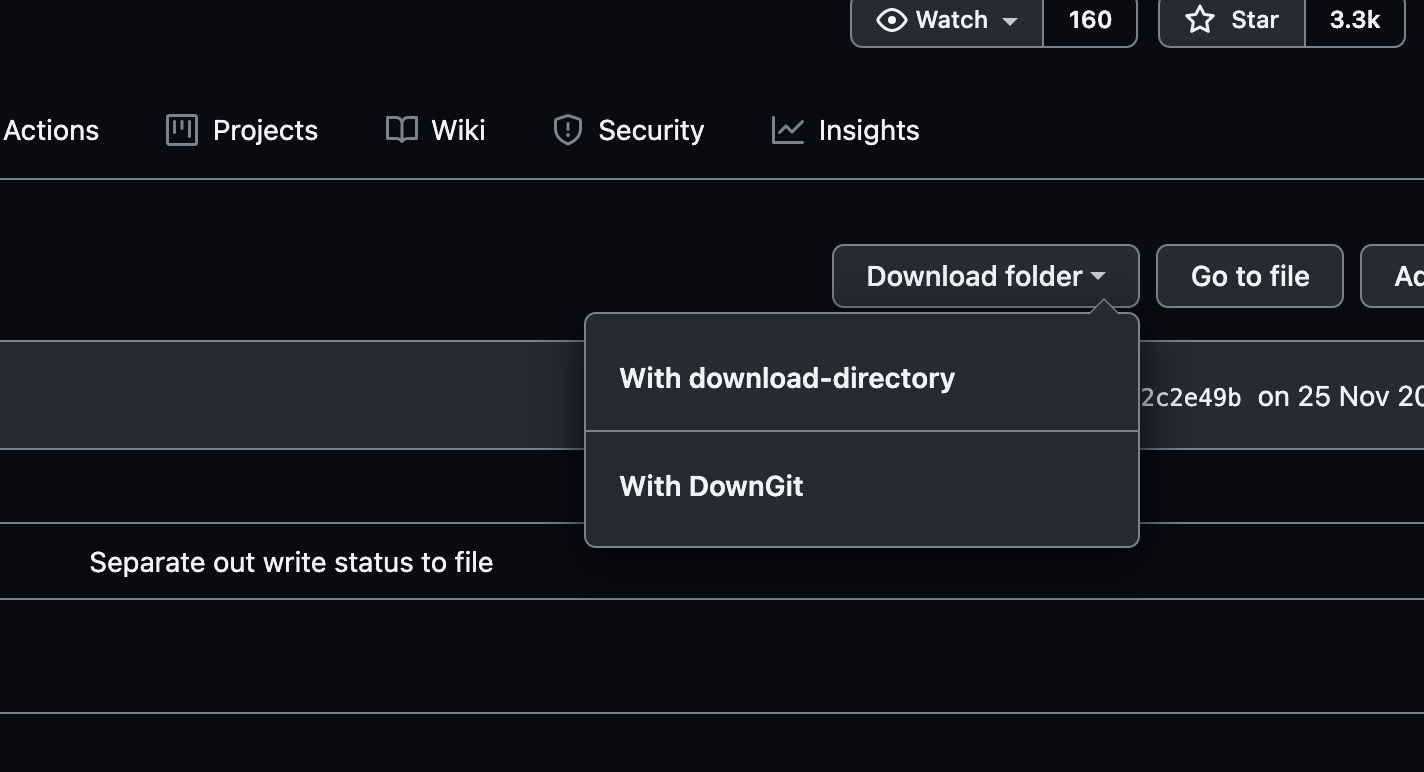
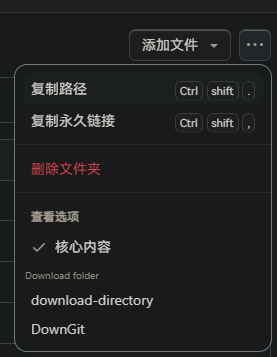
GitHub Folder Downloader adds a download button for GitHub folders, making it easier to download specific folders from repositories. The button integrates with two external tools: download-directory and DownGit, allowing users to download folders with a single click.

Features

Modifications

Modified from the script GitHub 文件夹下载 by user Eric Kwok.
Usage

  1. Navigate to a GitHub repository.
  2. Open a folder in the repository.
  3. Click on the "Download folder" button to see options for downloading the folder.

Change history

- 2024/8/28 04:21 - Ver: 0.7 Replaced invalid selectors.

2.png 1.png