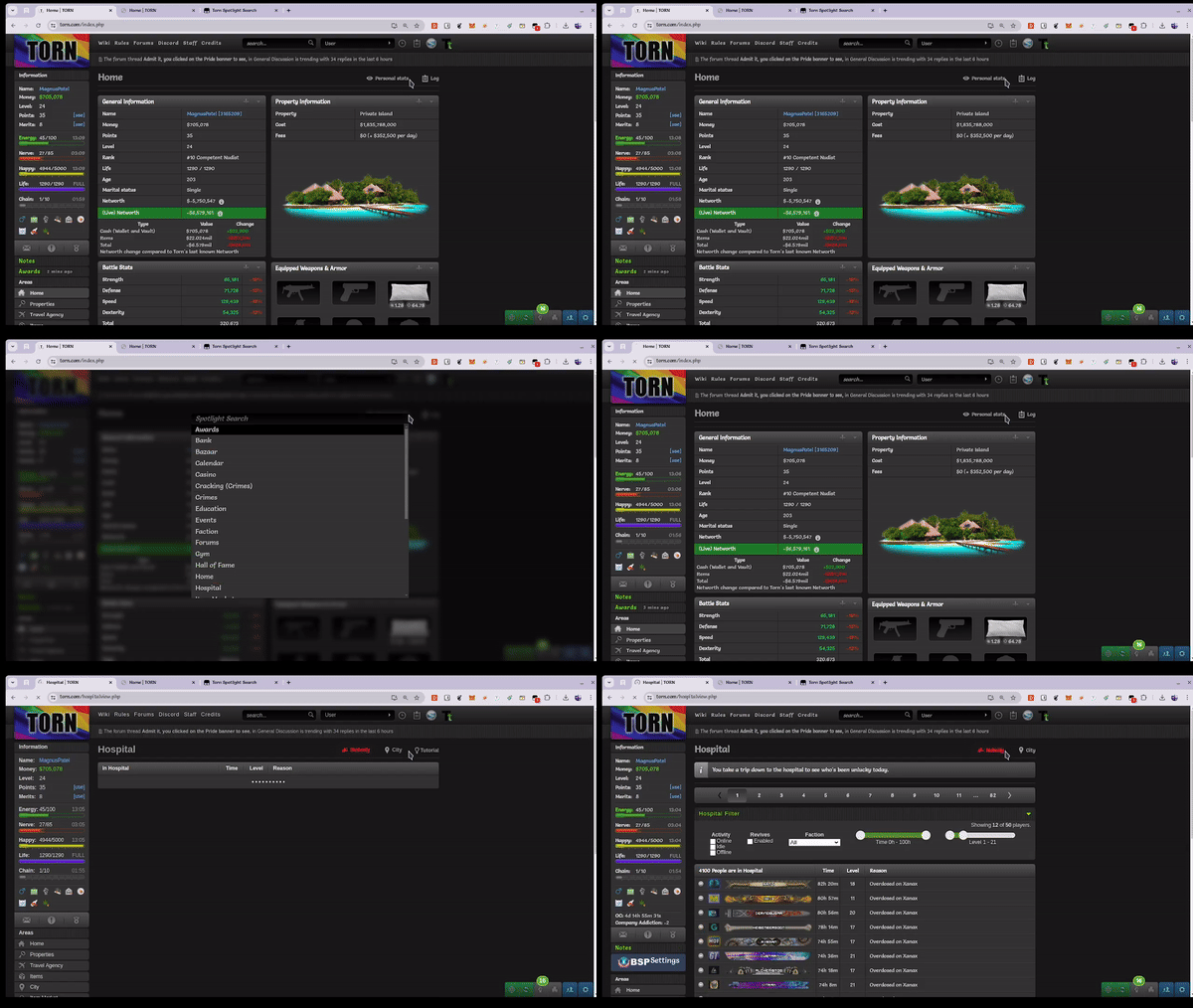
Torn Spotlight Search

Navigate Torn Faster

您需要先安裝使用者腳本管理器擴展,如 TampermonkeyGreasemonkeyViolentmonkey 之後才能安裝該腳本。

You will need to install an extension such as Tampermonkey to install this script.

您需要先安裝使用者腳本管理器擴充功能,如 TampermonkeyViolentmonkey 後才能安裝該腳本。

您需要先安裝使用者腳本管理器擴充功能,如 TampermonkeyUserscripts 後才能安裝該腳本。

你需要先安裝一款使用者腳本管理器擴展,比如 Tampermonkey,才能安裝此腳本

您需要先安裝使用者腳本管理器擴充功能後才能安裝該腳本。

(我已經安裝了使用者腳本管理器,讓我安裝!)

你需要先安裝一款使用者樣式管理器擴展,比如 Stylus,才能安裝此樣式

你需要先安裝一款使用者樣式管理器擴展,比如 Stylus,才能安裝此樣式

你需要先安裝一款使用者樣式管理器擴展,比如 Stylus,才能安裝此樣式

你需要先安裝一款使用者樣式管理器擴展後才能安裝此樣式

你需要先安裝一款使用者樣式管理器擴展後才能安裝此樣式

你需要先安裝一款使用者樣式管理器擴展後才能安裝此樣式

(我已經安裝了使用者樣式管理器,讓我安裝!)

作者
Jayam
今日安裝
0
安裝總數
101
評價
1 0 0
版本
beta-2.5.3
建立日期
2024-06-29
更新日期
2024-09-14
尺寸
30.7 KB
授權條款
Apache-2.0
腳本執行於

Torn Spotlight Search

Navigate Torn with keyboard shortcuts via Spotlight Search.

torn-spotlight-search

Configuration

  1. Change mainKey to your preffered key.
  2. Update pressControlKey, pressShiftKey and pressAltKey for key combinations you want to use.
  3. Add / Remove / Update items in urlDictionary based on your needs.

Updates yet to come

  • [ ] Proper highlighting and styling of Spotlight Search.
  • [ ] Easier way to customize and store key combinations.