This script enhances the user experience when pausing a YouTube video in full-screen mode by hiding certain elements and adding a play icon.
This script enhances the user experience when pausing a YouTube video in full-screen mode by hiding certain elements and adding a play icon.
Hide Player Control Bar: The player control bar is hidden when the video is paused in full-screen mode.
Stabilize Captions: Prevents captions text from jumping up and down when you pause or resume the video using the spacebar or "K" key.
Add Play Icon: A play icon is added at the bottom right corner of the video when paused.
The first screenshot displays the enhanced full-screen mode with hidden interface elements, including the video title and player control bar. Additionally, an overlay of a play icon is added when the video is paused. In contrast, the second screenshot shows the default full-screen mode without the enhancements enabled.
With Enhancements Enabled

Default (Without Enhancements)
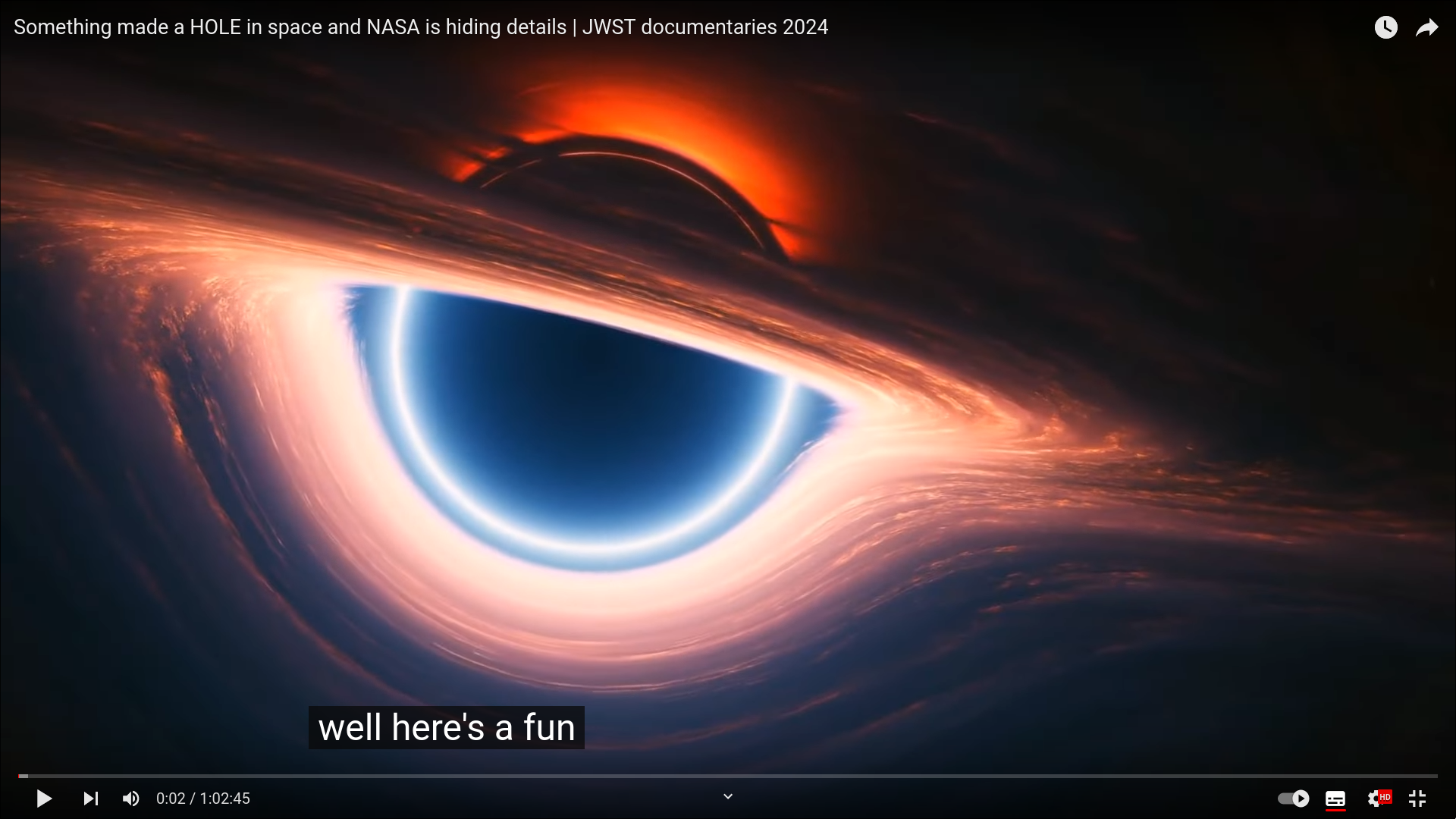
The source of the video captured in the screenshots is: https://www.youtube.com/watch?v=wFcOuJmgTno
To use this script, visit the YouTube Full Screen Enhancer and install it using a user script manager like Tampermonkey. Once installed, the script will automatically run whenever you visit YouTube.
This script is compatible with all modern browsers and works with the latest version of YouTube.
Make sure your browser supports user script manager extensions and that you have one installed before attempting to use this script.
This script may need to be adjusted or updated in the future if YouTube's DOM structure or functionality changes.
