FastGitCode

fast show git ccode!

您需要先安裝使用者腳本管理器擴展,如 TampermonkeyGreasemonkeyViolentmonkey 之後才能安裝該腳本。

您需要先安裝使用者腳本管理器擴充功能,如 TampermonkeyViolentmonkey 後才能安裝該腳本。

您需要先安裝使用者腳本管理器擴充功能,如 TampermonkeyViolentmonkey 後才能安裝該腳本。

您需要先安裝使用者腳本管理器擴充功能,如 TampermonkeyUserscripts 後才能安裝該腳本。

你需要先安裝一款使用者腳本管理器擴展,比如 Tampermonkey,才能安裝此腳本

您需要先安裝使用者腳本管理器擴充功能後才能安裝該腳本。

(我已經安裝了使用者腳本管理器,讓我安裝!)

你需要先安裝一款使用者樣式管理器擴展,比如 Stylus,才能安裝此樣式

你需要先安裝一款使用者樣式管理器擴展,比如 Stylus,才能安裝此樣式

你需要先安裝一款使用者樣式管理器擴展,比如 Stylus,才能安裝此樣式

你需要先安裝一款使用者樣式管理器擴展後才能安裝此樣式

你需要先安裝一款使用者樣式管理器擴展後才能安裝此樣式

你需要先安裝一款使用者樣式管理器擴展後才能安裝此樣式

(我已經安裝了使用者樣式管理器,讓我安裝!)

作者
WumaCoder
今日安裝
0
安裝總數
74
評價
1 0 0
版本
1.0.4
建立日期
2020-03-11
更新日期
2020-06-30
尺寸
1013 位元組
授權條款
未知
腳本執行於

browser-tools

GitHub

browser litte tools, include Tampermonkey plugin and chrome plugin and other plugin.

borower-tools 是我在闲暇之余开发的一些好用的浏览器插件的集合仓库,其中包括Tampermonkey插件、chrome插件、vscode插件等。

TanpermonKey plugin

😯 warning: please install TanpermonKey

注意:请先安装 破油猴

FastGitCode

version 1.0.0

use

使用方法

Fast step: install plugin

第一步: 安装插件

use chrome open this url https://greasyfork.org/zh-CN/scripts/397712-fastgitcode.

用chrome浏览器打开这个网页.
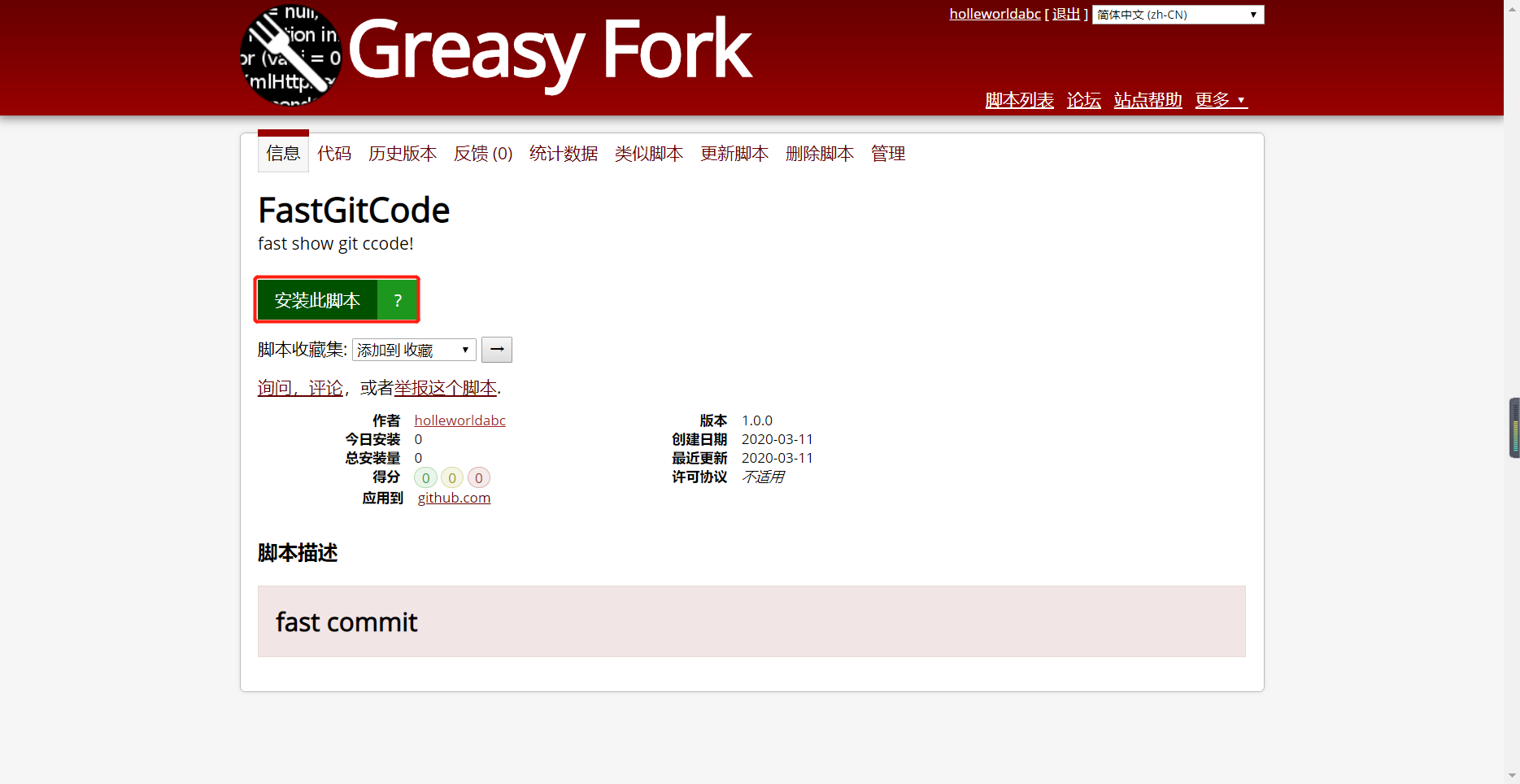
click this green buton

click this green button.

点击这个绿色的按钮.

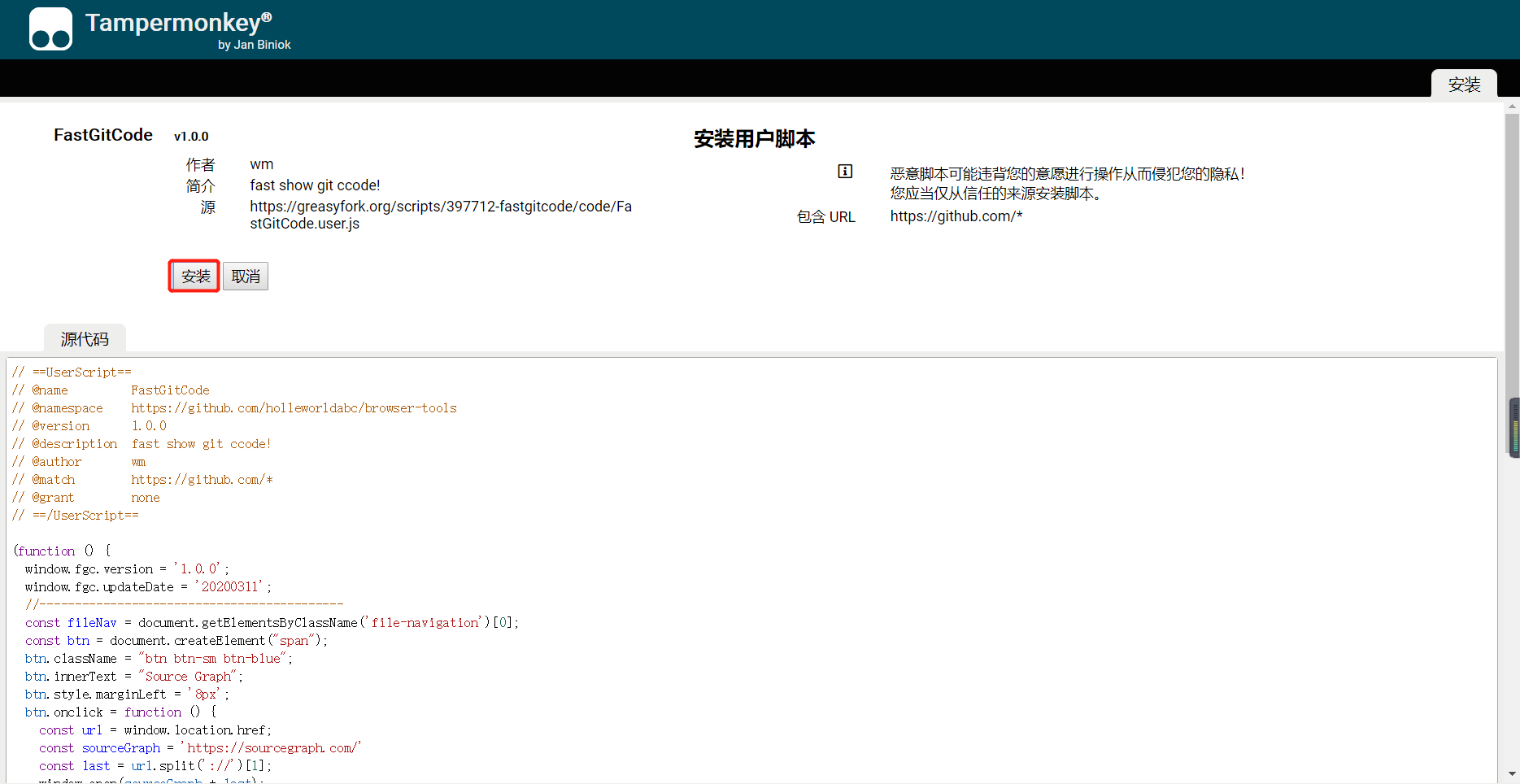
click blue btn

Click the button in the red box.

点击红框内的按钮.

ok!

安装完成

The second step: use plugin

第二步:使用插件

Open a git repository

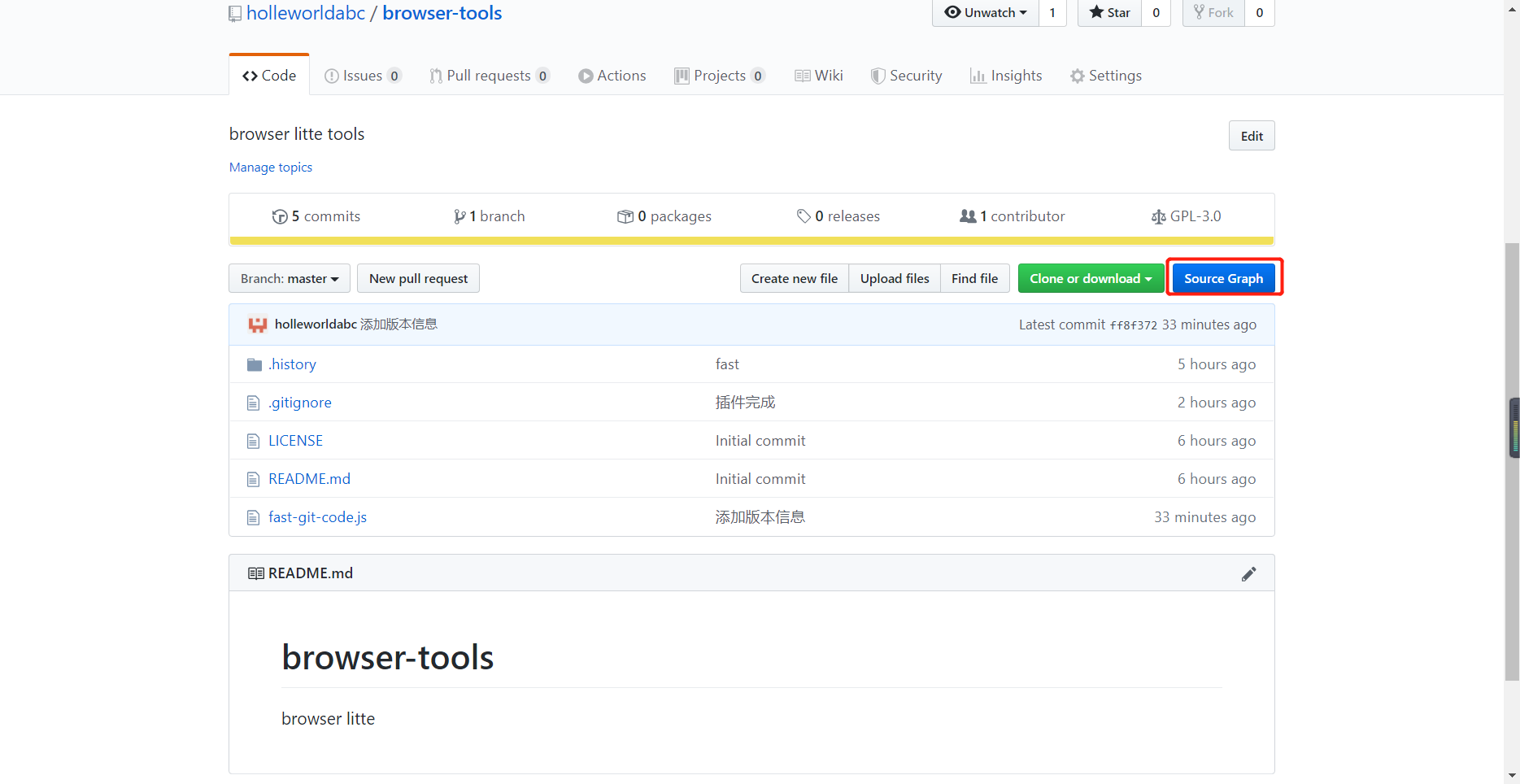
Click the button in the red box

Click blue Button.

点击蓝色的按钮

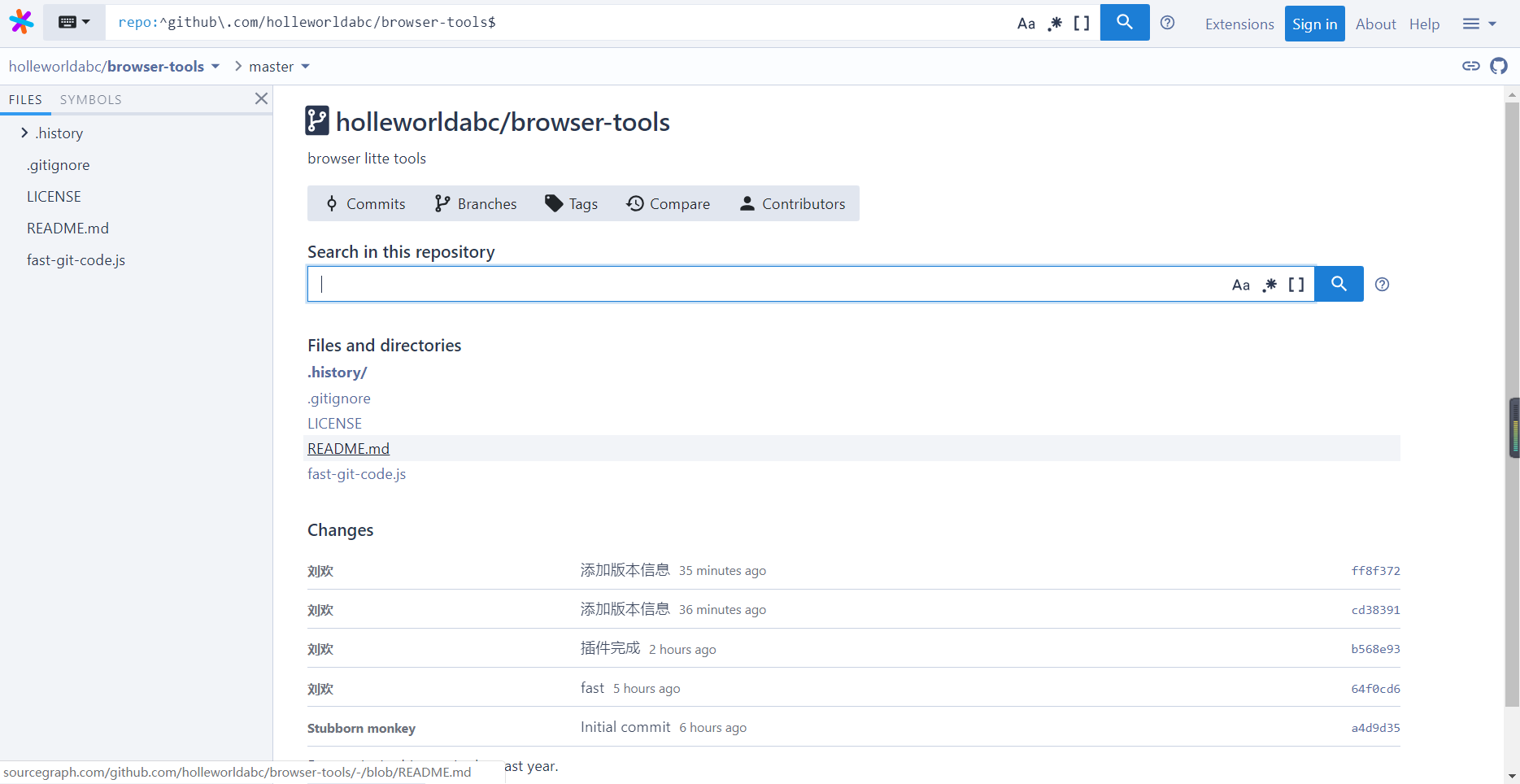
ok!

ok!

成功!

Wait for more plugins

About

wm develop

2020.3.11