Adds a full screen option to view Evernote Notes in view mode.



Evernote Fullscreen is a userscript that gives a option to veiw your note in fullscreen.
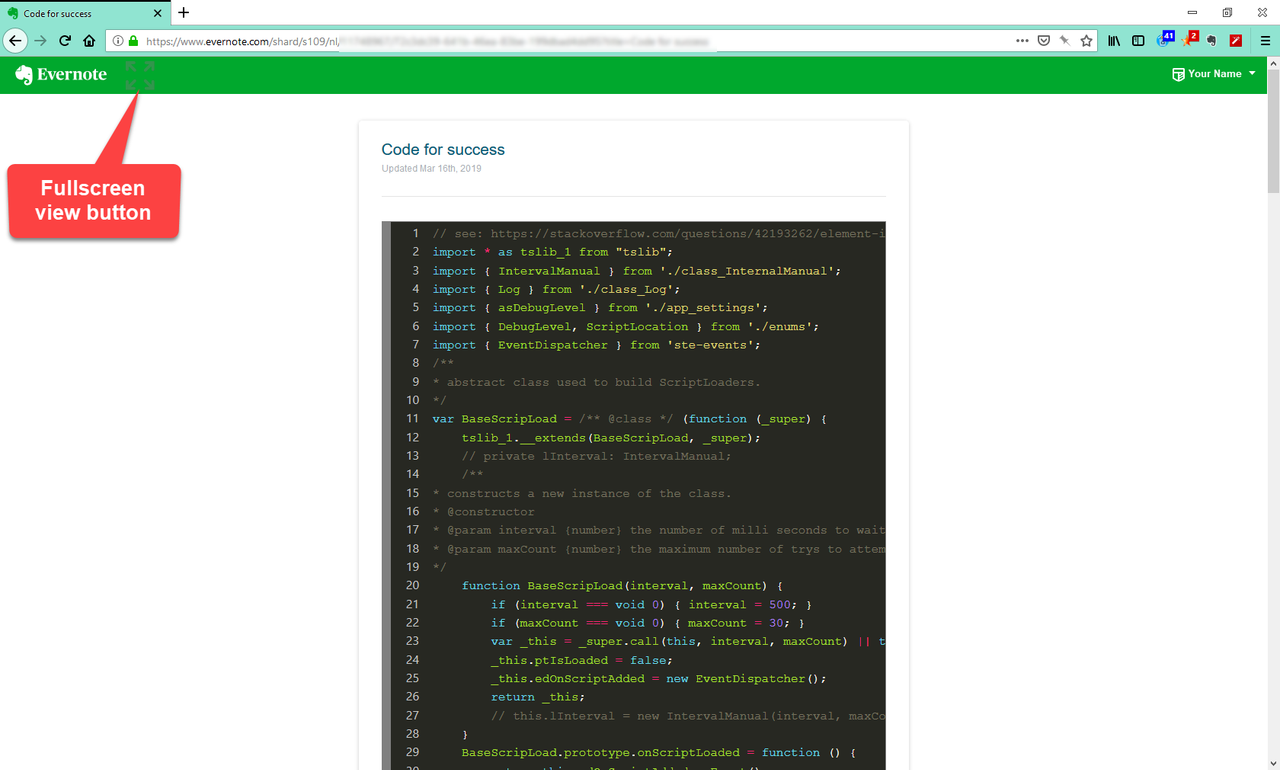
An Evernote public shared note is a slightly different page then a private note page.
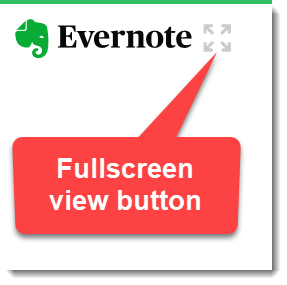
On a public shared note this script adds a fullscreen view button as shown below.
When the mouse is placed over the full screen button it looks like the following.
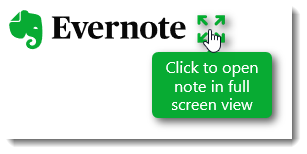
Clicking on the full screen button puts the note on the page into full screen view.
Only the note body will be visible. The note title is not shown in full screen.
When in full screen view just press the esc key to exit full screen view.
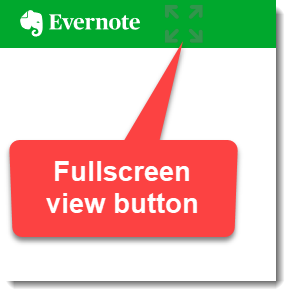
On a private note this script adds a fullscreen view button as shown below.
When the mouse is placed over the full screen button it looks like the following.
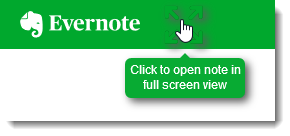
Clicking on the full screen button puts the note on the page into full screen view.
Only the note body will be visible. The note title is not shown in full screen.
When in full screen view just press the esc key to exit full screen view.
How do you view your note in full screen view when your in edit mode?
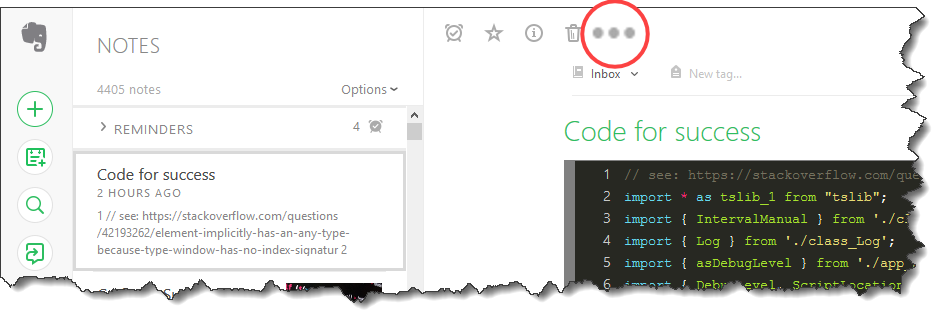
Evernote has a ... menu item as show here
Click that ... menu item and a Copy notelink option will appear as shown here
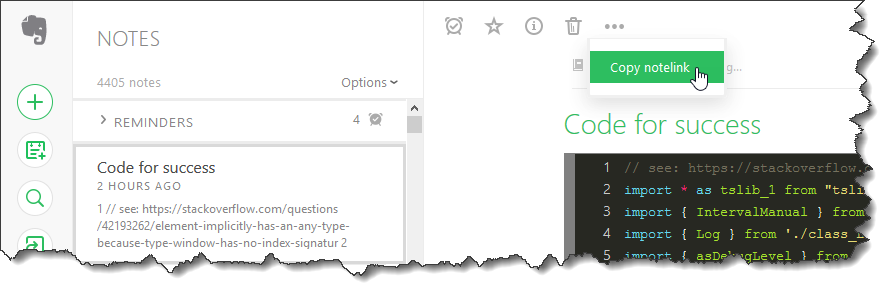 Click the Copy notelink
Now a confirmation will appear

Now just paste the link into the browsers address bar and you will be able to view that note in full screen.

Paul Moss
**Making a donation is an act of generosity. Your support, however modest it might be, is necessary.
Public shared note view.
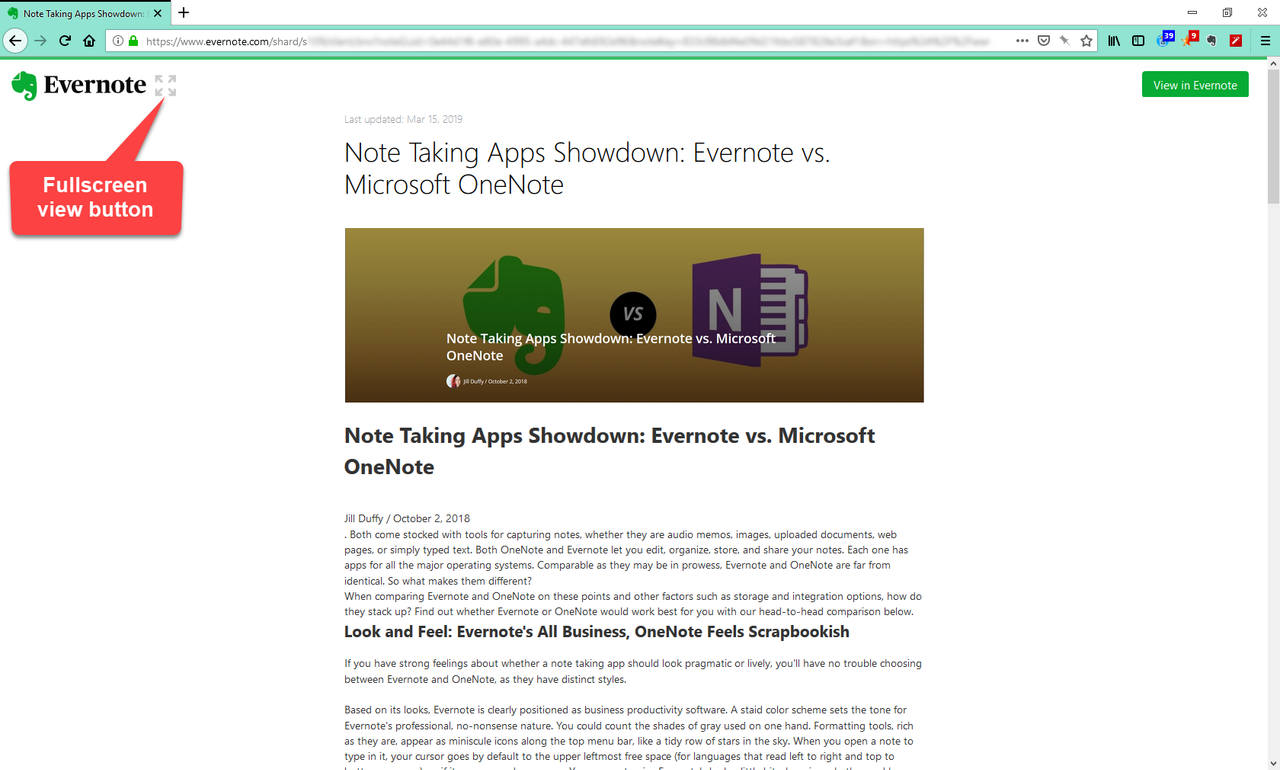
Public shared full screen view.
Private note view.
Private note view full screen.