Adds a "View Image" button to Image Search results. [Supported sites: Bing / DuckDuckGo / Google]
This script uses image URLs and metadata exposed by the search engine's search results. It does not scrape external websites, so the original raw file is not guaranteed.
Search engine implementations change frequently. Breakages caused by such changes are expected behavior, not logic bugs. Since I am not a psychic, I cannot predict future changes.
Please do not treat such breakages as simple bugs or demand immediate fixes, as this kind of expectation discourages further maintenance.
If you are not comfortable with these limitations, please do not use this script.
This script enhances your image search experience on following sites by adding a "View Image" button and a "Visit Page" button to search results.
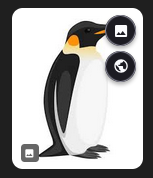
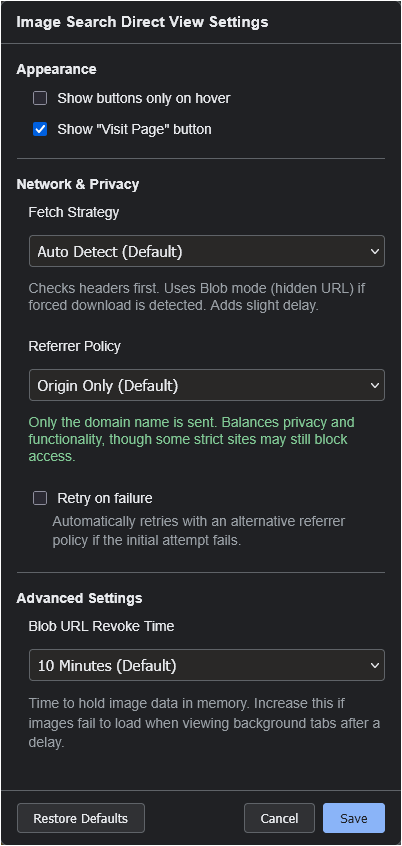
It allows you to view the high-resolution image directly in a new tab. It also includes a robust Fetch Strategy and Referrer Policy control to handle sites with anti-hotlinking protections, ensuring images load correctly where other scripts might fail.
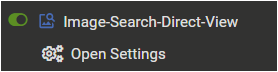
Access the settings via your userscript manager's menu:
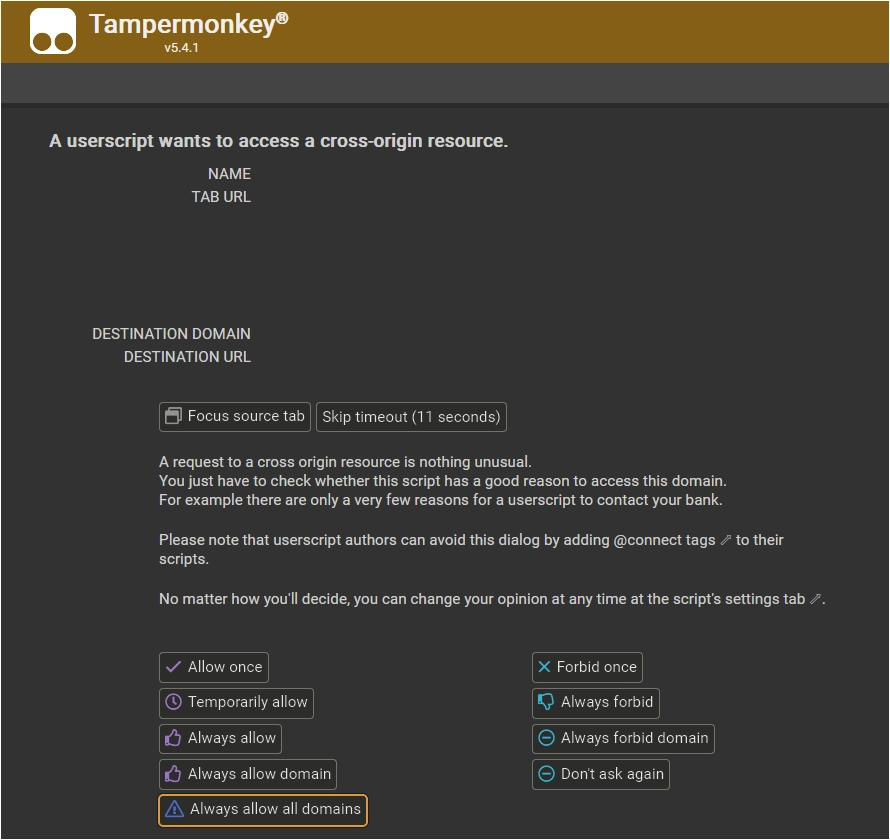
This script requires XHR access to external image hosting sites in order to load high-resolution images.
When the script tries to load an external image for the first time, a permission dialog will appear. For the smoothest experience with images from various sources, select "Always allow all domains" at the bottom.
You can also configure this manually in the Tampermonkey dashboard.
Go to the script's Settings tab, scroll to XHR Security, and add * to the User domain whitelist.

This script is open-source and licensed under the MIT License.
