Fixes Bitwarden autofill on Zyxel router login pages (EX7710-B0, EX5601-T0, and similar).
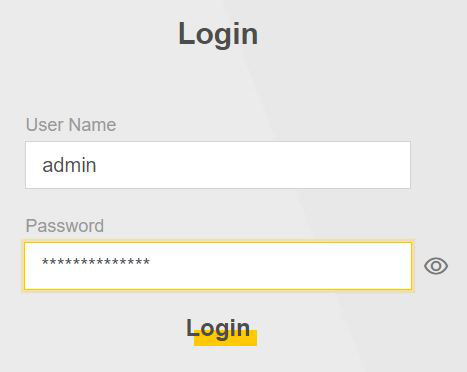
Zyxel routers (such as the EX7710-B0 and EX5601-T0) have a frustrating issue: when using Bitwarden (or similar password managers), the router’s login page often deletes or corrupts the autofilled password.
This leads to errors like:
This script makes Bitwarden autofill work reliably on Zyxel router login pages.
/ → /login), re-renders, and logout flows.Install this script from Greasy Fork.
Open your router’s login page (e.g. http://192.168.1.1/) and let Bitwarden autofill your credentials.
Just before login (button click or Enter key):
input, keyup, and change events so validation runs normally.Works even when Zyxel’s single-page app re-renders the login form.
If you confirm this script works on other Zyxel models, feel free to share so they can be added here.
This project is licensed under the GNU General Public License v2.0.
Developed with ❤️ by Brandon Henness

