Automatically restarts Codespaces on GitHub.dev
当前为 2024-02-25 提交的版本,查看 最新版本。
您需要先安装一个扩展,例如 篡改猴、Greasemonkey 或 暴力猴,之后才能安装此脚本。
You will need to install an extension such as Tampermonkey to install this script.
您需要先安装一个扩展,例如 篡改猴 或 暴力猴,之后才能安装此脚本。
您需要先安装一个扩展,例如 篡改猴 或 Userscripts ,之后才能安装此脚本。
您需要先安装一款用户脚本管理器扩展,例如 Tampermonkey,才能安装此脚本。
您需要先安装用户脚本管理器扩展后才能安装此脚本。
(我已经安装了用户脚本管理器,让我安装!)
您需要先安装一款用户样式管理器扩展,比如 Stylus,才能安装此样式。
您需要先安装一款用户样式管理器扩展后才能安装此样式。
(我已经安装了用户样式管理器,让我安装!)
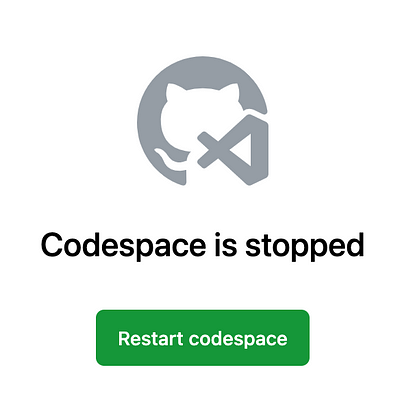
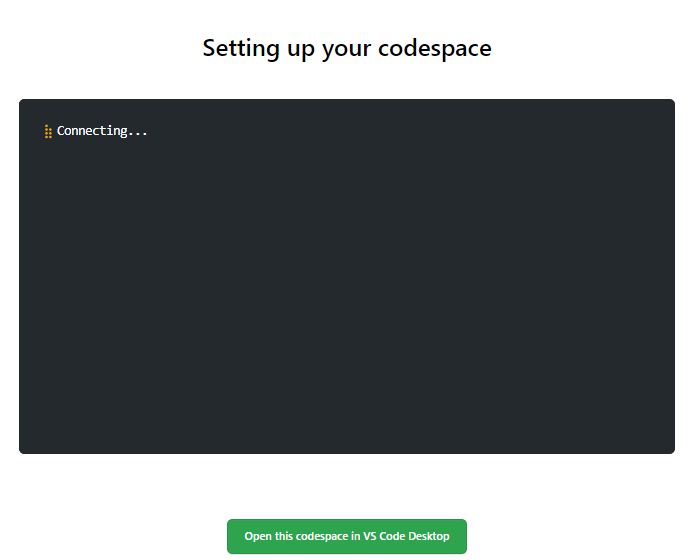
If you leave your Codespace idling for too long, it'll timeout and go inactive, until the userscript checks that you've gone idle. Once detected, it automatically restarts the Codespace with just a click on the "Restart Codespace" button.