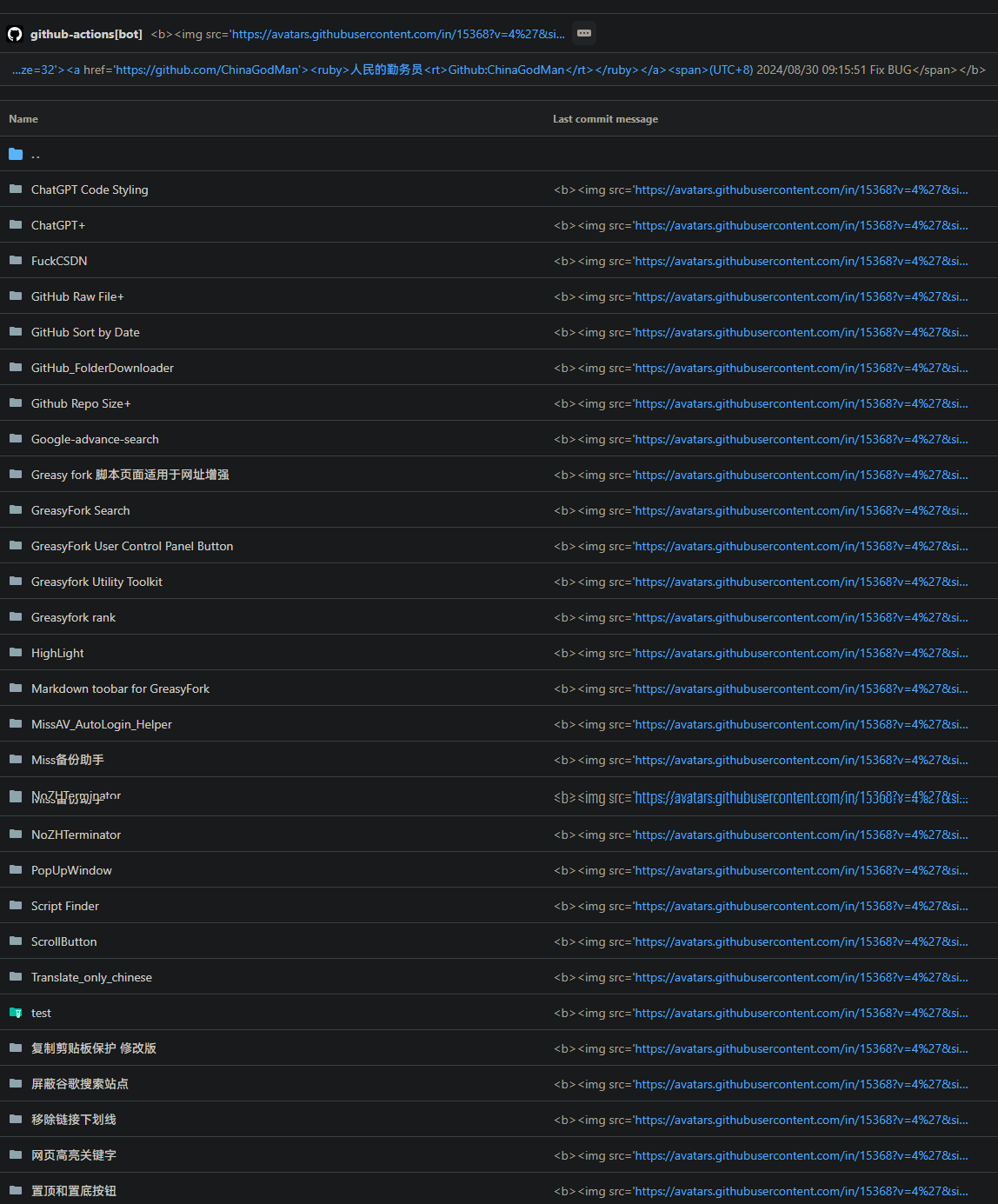
该脚本将 GitHub 上的提交信息转化为 HTML 视图,以更清晰地查看提交详情。它会自动将提交信息列表、提交头部和最新提交信息转化为 HTML 格式,提供更佳的视觉效果和用户体验。
当前为






给勤务员加鸡腿 

「 该脚本将 GitHub 上的提交信息转化为 HTML 视图,以更清晰地查看提交详情。它会自动将提交信息列表、提交头部和最新提交信息转化为 HTML 格式,提供更佳的视觉效果和用户体验。 」
Download:Github | ⭐Greasy Fork
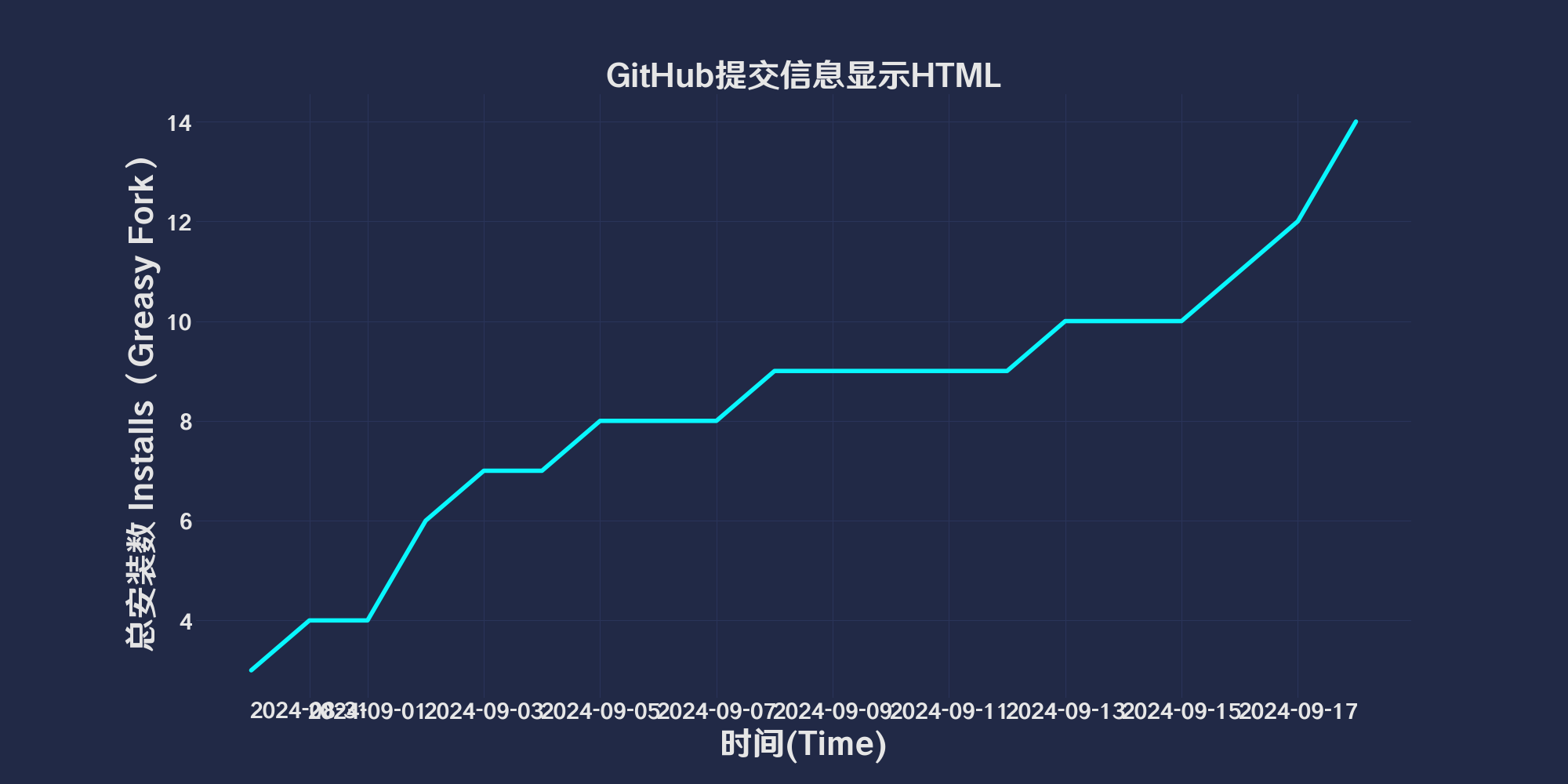
GitHub CommitMessage Html View 是一个用户脚本,旨在将 GitHub 上的提交信息转换为 HTML 视图,从而提供更清晰的提交详情。该脚本自动将提交信息列表、提交头部和最新提交信息转换为 HTML 格式,以增强视觉效果和用户体验,配合git使用
点击qinwuyuan.ps1下载Powershell脚本
param (
[string]$qinwuyuan_messageFilePath
)
$qinwuyuan_scriptPath = $PSScriptRoot
$qinwuyuan_rootDrive1 = [System.IO.Path]::GetPathRoot($qinwuyuan_scriptPath).TrimEnd('\')
if (-not $qinwuyuan_messageFilePath) {
$qinwuyuan_messageFilePath = "$qinwuyuan_rootDrive1\path\to\change\commit.txt"
}
$qinwuyuan_oldCommitFilePath = "$qinwuyuan_scriptPath\oldcommit.txt"
if (-not (Test-Path $qinwuyuan_messageFilePath)) {
exit 1
}
if (-not (Test-Path .git)) {
exit 1
}
$qinwuyuan_newCommitMessage = Get-Content $qinwuyuan_messageFilePath -Raw
$qinwuyuan_oldCommitMessage = if (Test-Path $qinwuyuan_oldCommitFilePath) {
Get-Content $qinwuyuan_oldCommitFilePath -Raw
} else {
""
}
if ($qinwuyuan_newCommitMessage -eq $qinwuyuan_oldCommitMessage) {
$qinwuyuan_currentDateTime = Get-Date -Format "yyyy/M/d HH:mm:ss"
$qinwuyuan_commitMessage = @"
https://avatars.githubusercontent.com/u/96548841?v=4&size=32">
https://github.com/ChinaGodMan">
人民的勤务员
(UTC+8) $qinwuyuan_currentDateTime
"@
} else {
$qinwuyuan_currentDateTime = Get-Date -Format "yyyy/M/d HH:mm:ss"
$qinwuyuan_commitMessage = $qinwuyuan_newCommitMessage -replace '\$qinwuyuan_currentDateTime', $qinwuyuan_currentDateTime
}
$qinwuyuan_currentBranch = git rev-parse --abbrev-ref HEAD
if ($LASTEXITCODE -ne 0) {
exit 1
}
git add .
git commit -m $qinwuyuan_commitMessage
if ($LASTEXITCODE -ne 0) {
exit 1
}
git push origin $qinwuyuan_currentBranch --force
if ($LASTEXITCODE -ne 0) {
exit 1
}
Copy-Item -Path $qinwuyuan_messageFilePath -Destination $qinwuyuan_oldCommitFilePath -Force
此脚本使用 MIT 许可证
使用后:
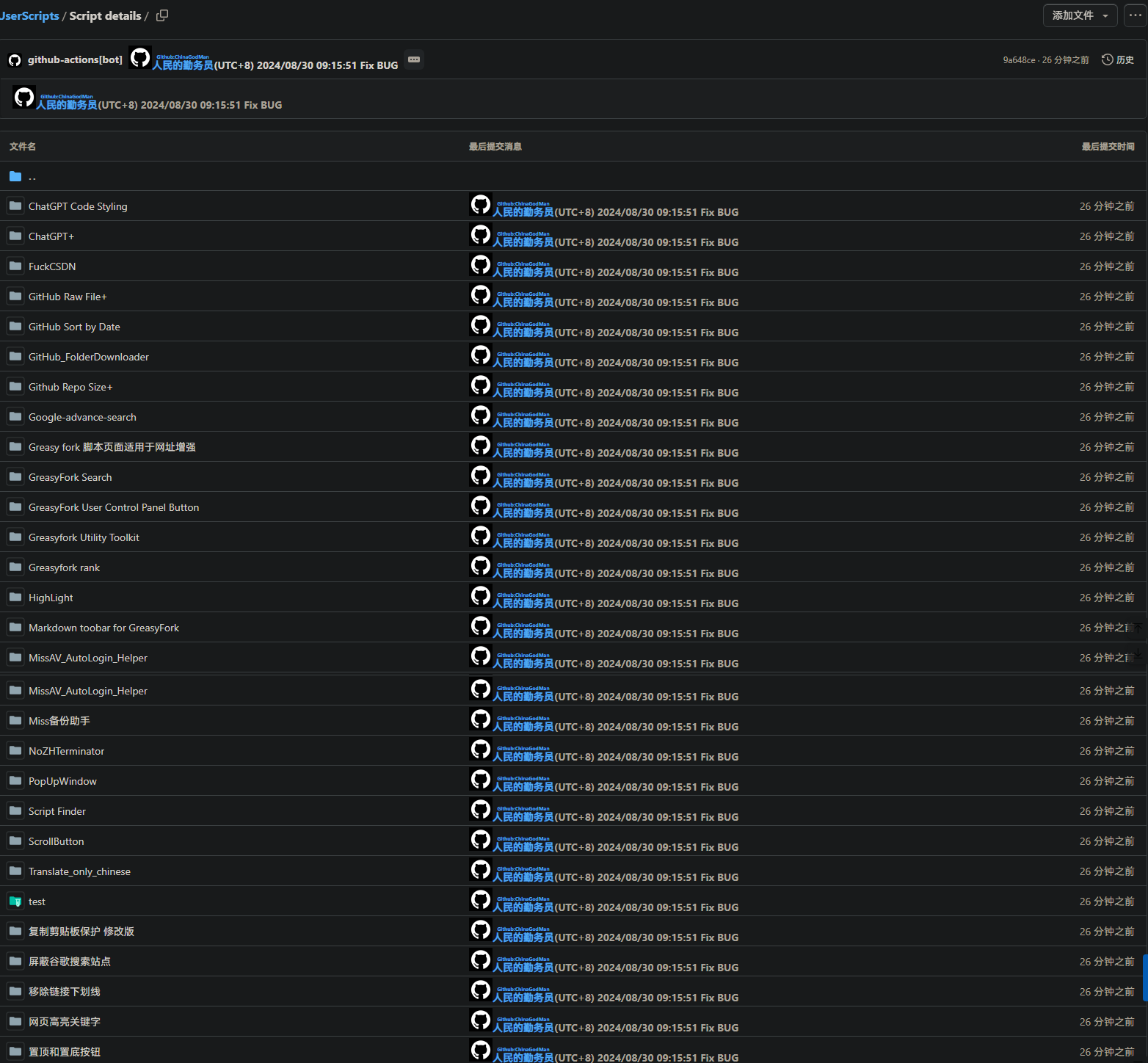 使用前:
使用前: