Claude 提示词增强

通过自定义命令使用预定义的提示

您需要先安装一款用户脚本管理器扩展,例如 Tampermonkey 篡改猴Greasemonkey 油猴子Violentmonkey 暴力猴,才能安装此脚本。

您需要先安装一款用户脚本管理器扩展,例如 Tampermonkey 篡改猴,才能安装此脚本。

您需要先安装一款用户脚本管理器扩展,例如 Tampermonkey 篡改猴Violentmonkey 暴力猴,才能安装此脚本。

您需要先安装一款用户脚本管理器扩展,例如 Tampermonkey 篡改猴Userscripts ,才能安装此脚本。

您需要先安装一款用户脚本管理器扩展,例如 Tampermonkey 篡改猴,才能安装此脚本。

您需要先安装一款用户脚本管理器扩展后才能安装此脚本。

(我已经安装了用户脚本管理器,让我安装!)

您需要先安装一款用户样式管理器扩展,比如 Stylus,才能安装此样式。

您需要先安装一款用户样式管理器扩展,比如 Stylus,才能安装此样式。

您需要先安装一款用户样式管理器扩展,比如 Stylus,才能安装此样式。

您需要先安装一款用户样式管理器扩展后才能安装此样式。

您需要先安装一款用户样式管理器扩展后才能安装此样式。

您需要先安装一款用户样式管理器扩展后才能安装此样式。

(我已经安装了用户样式管理器,让我安装!)

作者
FishHawk
日安装量
0
总安装量
152
评分
0 0 0
版本
2024.03.23
创建于
2024-03-15
更新于
2024-03-22
大小
698.6 KB
许可证
GPL-3.0
适用于

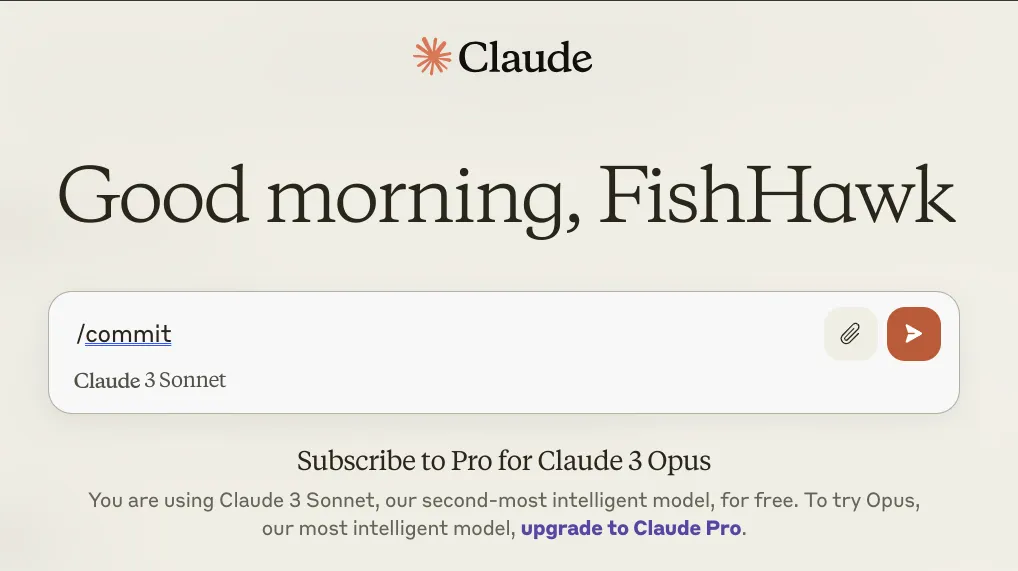
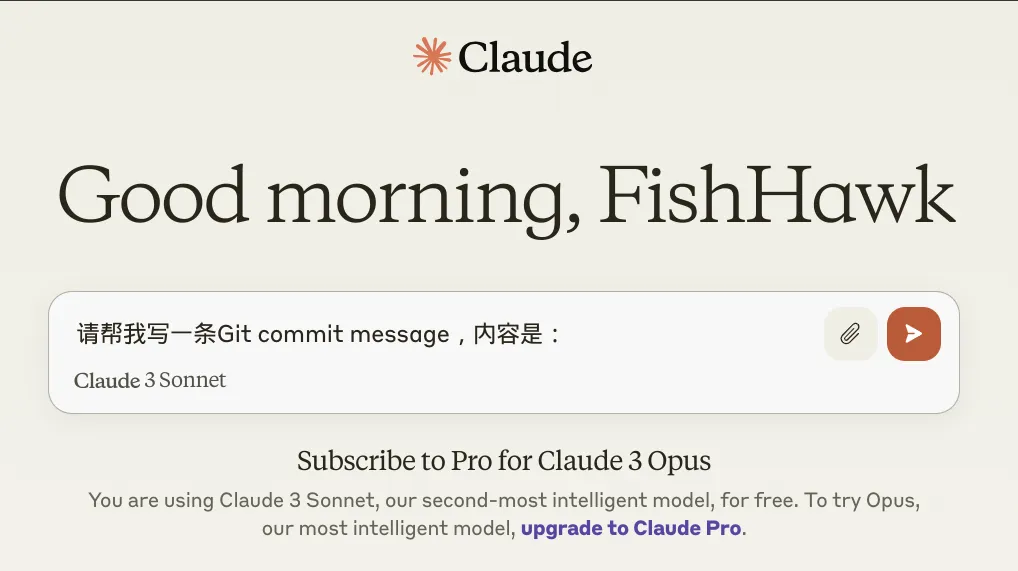
The Claude Prompt Enhancer allows you to quickly insert predefined prompts when using Claude. Simply type a slash command followed by a space in the input box, and the corresponding prompt will automatically expand. For example, typing /commit and pressing the space will replace it with Please help me write a Git commit message with the content:.

Input command /commit Generated Prompt
before after

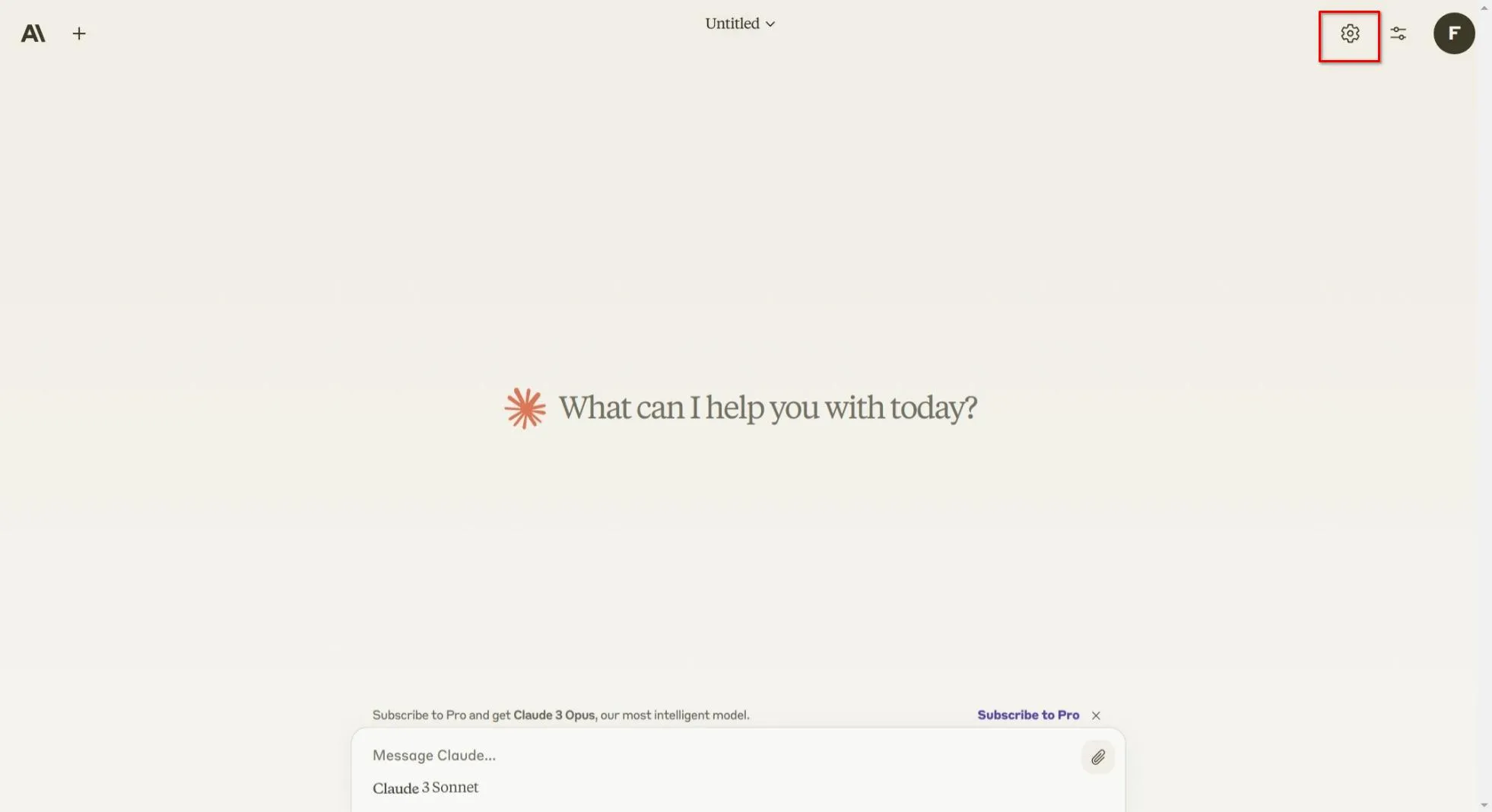
Setting button:

button

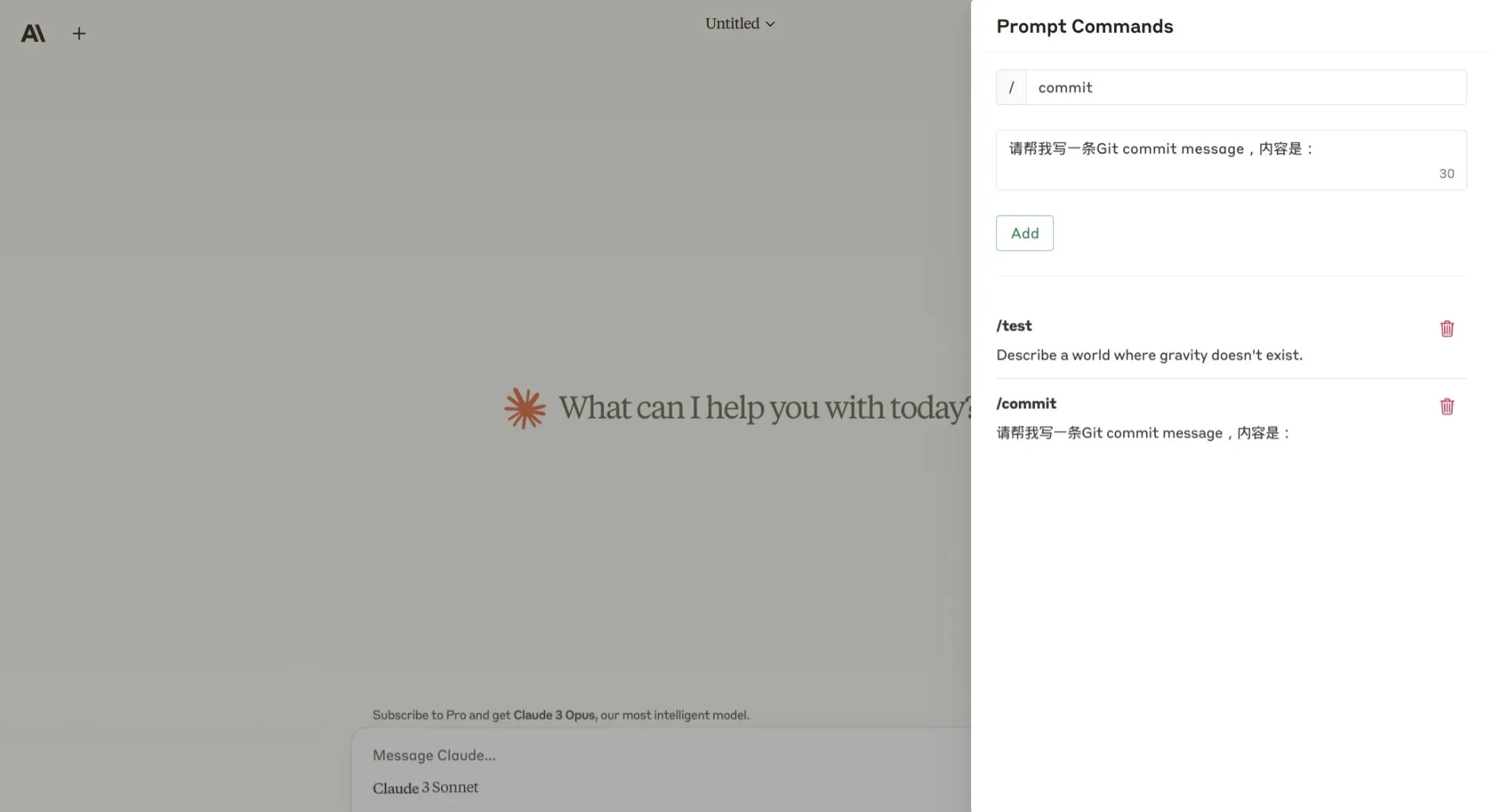
Prompt command editor:

editor