Evernote Editor Preview

Adds a preview option to Evernote Editor


您需要先安装一款用户脚本管理器扩展,例如 Tampermonkey 篡改猴Greasemonkey 油猴子Violentmonkey 暴力猴,才能安装此脚本。

您需要先安装一款用户脚本管理器扩展,例如 Tampermonkey 篡改猴,才能安装此脚本。

您需要先安装一款用户脚本管理器扩展,例如 Tampermonkey 篡改猴Violentmonkey 暴力猴,才能安装此脚本。

您需要先安装一款用户脚本管理器扩展,例如 Tampermonkey 篡改猴Userscripts ,才能安装此脚本。

您需要先安装一款用户脚本管理器扩展,例如 Tampermonkey 篡改猴,才能安装此脚本。

您需要先安装一款用户脚本管理器扩展后才能安装此脚本。

(我已经安装了用户脚本管理器,让我安装!)

您需要先安装一款用户样式管理器扩展,比如 Stylus,才能安装此样式。

您需要先安装一款用户样式管理器扩展,比如 Stylus,才能安装此样式。

您需要先安装一款用户样式管理器扩展,比如 Stylus,才能安装此样式。

您需要先安装一款用户样式管理器扩展后才能安装此样式。

您需要先安装一款用户样式管理器扩展后才能安装此样式。

您需要先安装一款用户样式管理器扩展后才能安装此样式。

(我已经安装了用户样式管理器,让我安装!)

作者
Amourspirit
日安装量
0
总安装量
26
评分
0 0 0
版本
1.0.0
创建于
2019-03-29
更新于
2019-03-29
大小
49.3 KB
许可证
MIT
适用于

Evernote Preview Userscript

A bigger view

https://img.shields.io/badge/Install-Install%20user%20script-brightgreen.svg https://img.shields.io/badge/Source-View%20Source%20Code-green.svg GitHub package.json version

THE WHAT

Evernote Preview is a userscript that gives a option to veiw your note in full screen preview mode.

Adds a new Full Screen Preview button fs17.png to the menu.
editor-menu-fsp-btn.png

When the mouse is placed over the button it looks like the following.

button-mouseover.png
Clicking on button puts the note on the page into full screen preview.
This is preview and it is not possible to edit in preview mode.
When in full screen view just press the esc key to exit full screen view.

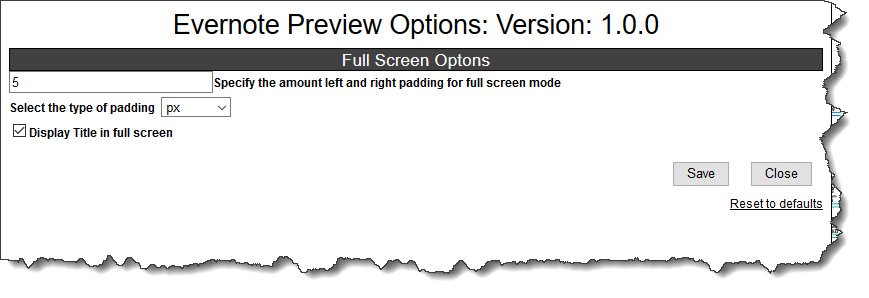
Options can be set by clicking on the Evernote Preview Options:
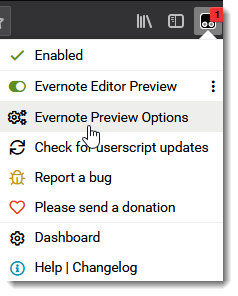
options-menu.png
options.png

THE WHERE

https://img.shields.io/badge/Install-Install%20user%20script-brightgreen.svg https://img.shields.io/badge/Source-View%20Source%20Code-green.svg

Related

Evernote%20Fullscreen-View%20notes%20Fullscreen-blue TinyMCE%20for%20Evernote-Get%20Extended%20Evernote%20Editor-informational.svg

Authors

Paul Moss

Donate

Making a donation is an act of generosity. Your support, however modest it might be, is necessary. paypal.png donate

Screen shots

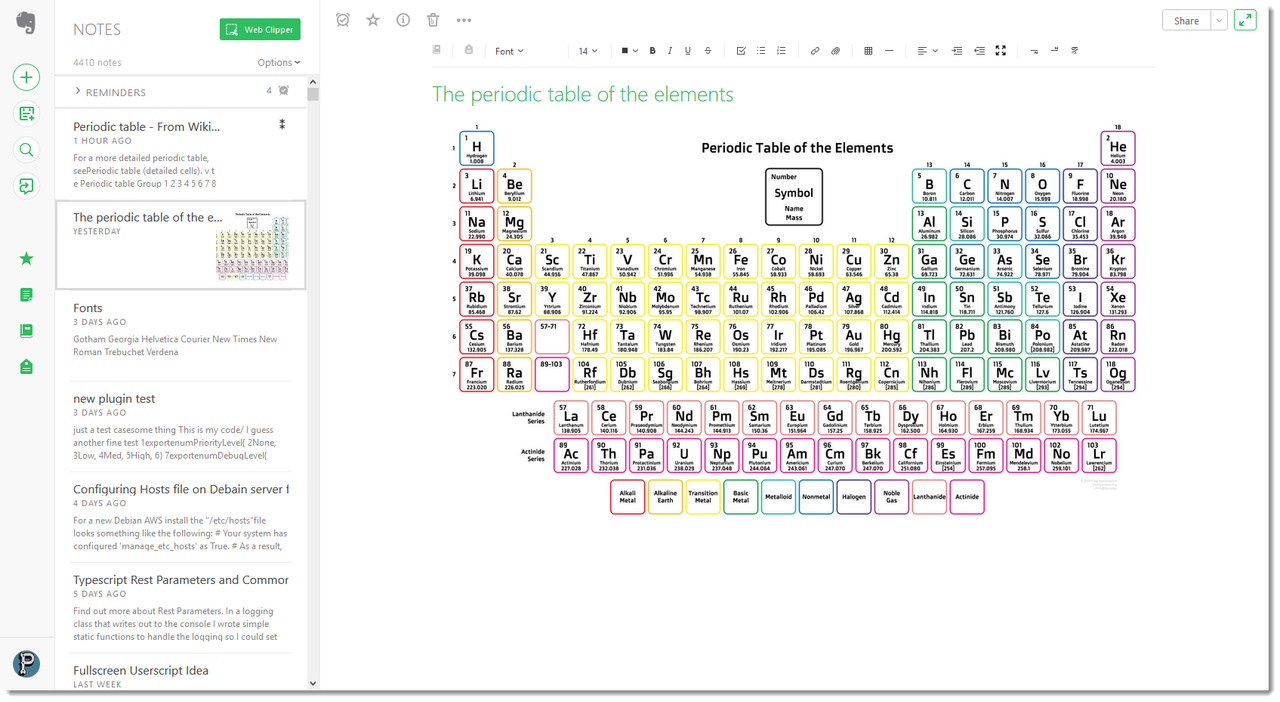
Note in normal edit view.
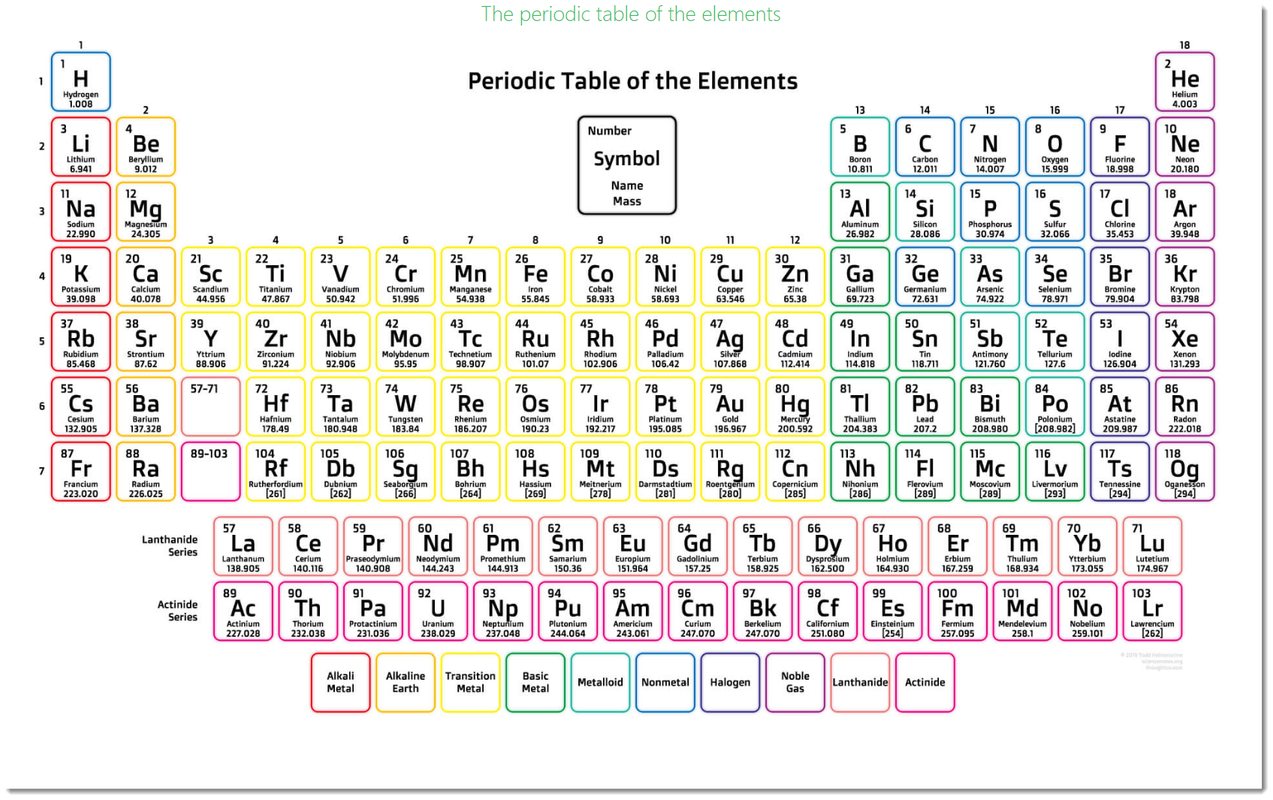
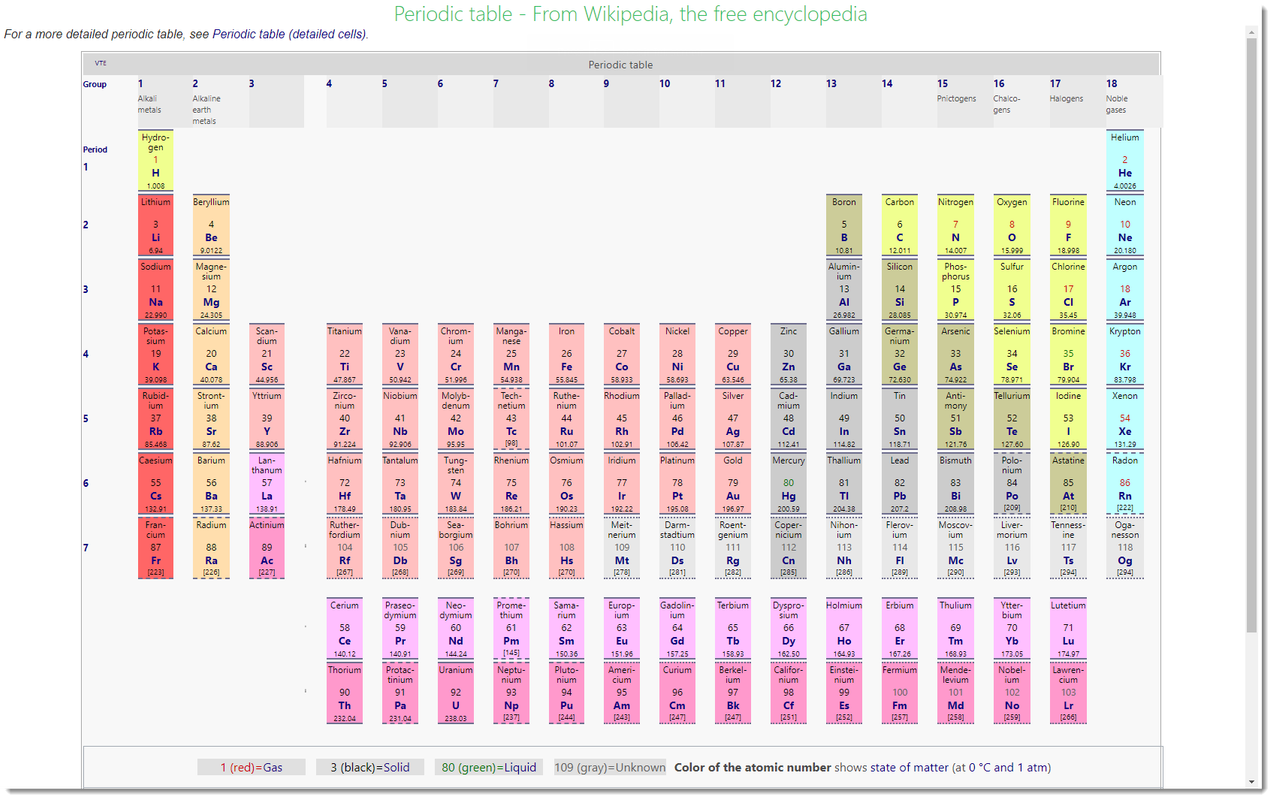
evernote-editor-pte.png Note in full screen:
fullscreen-default-pte.png

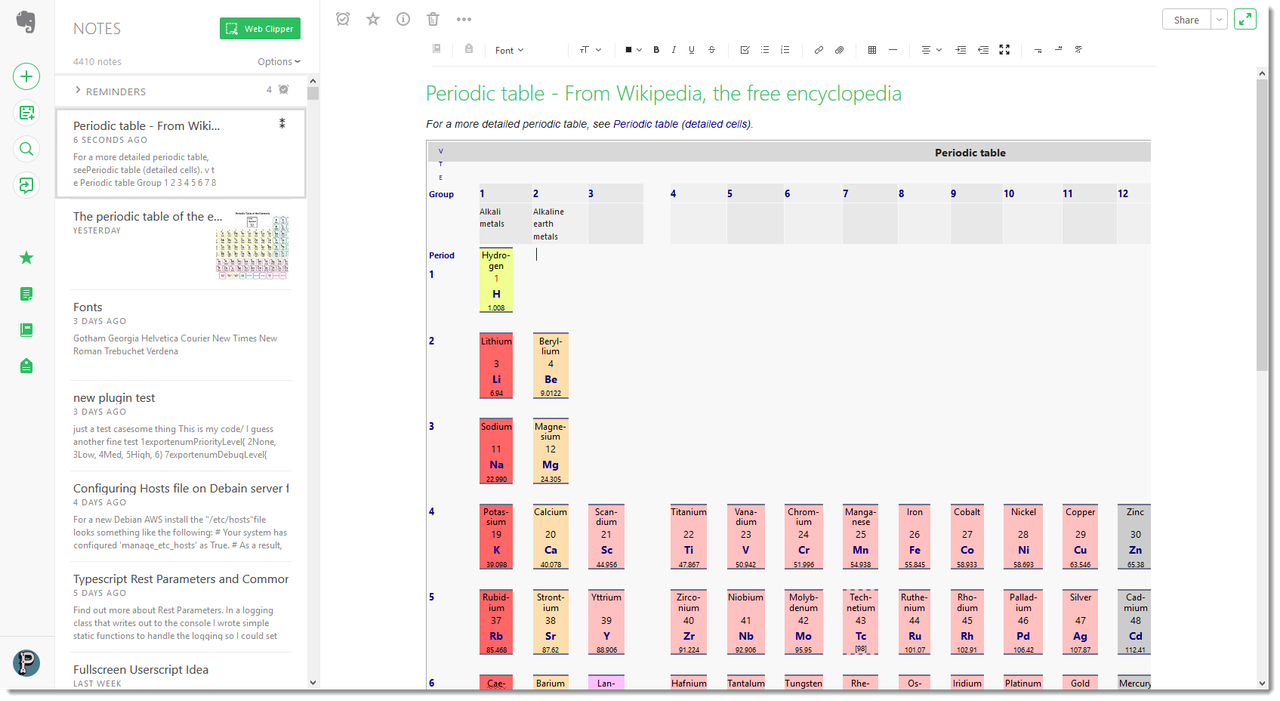
Note in normal edit view.
evernote-editor-wpte.png Note in full screen:
fullscreen-default-wpte.png Note in full screen with title turned off and padding set:
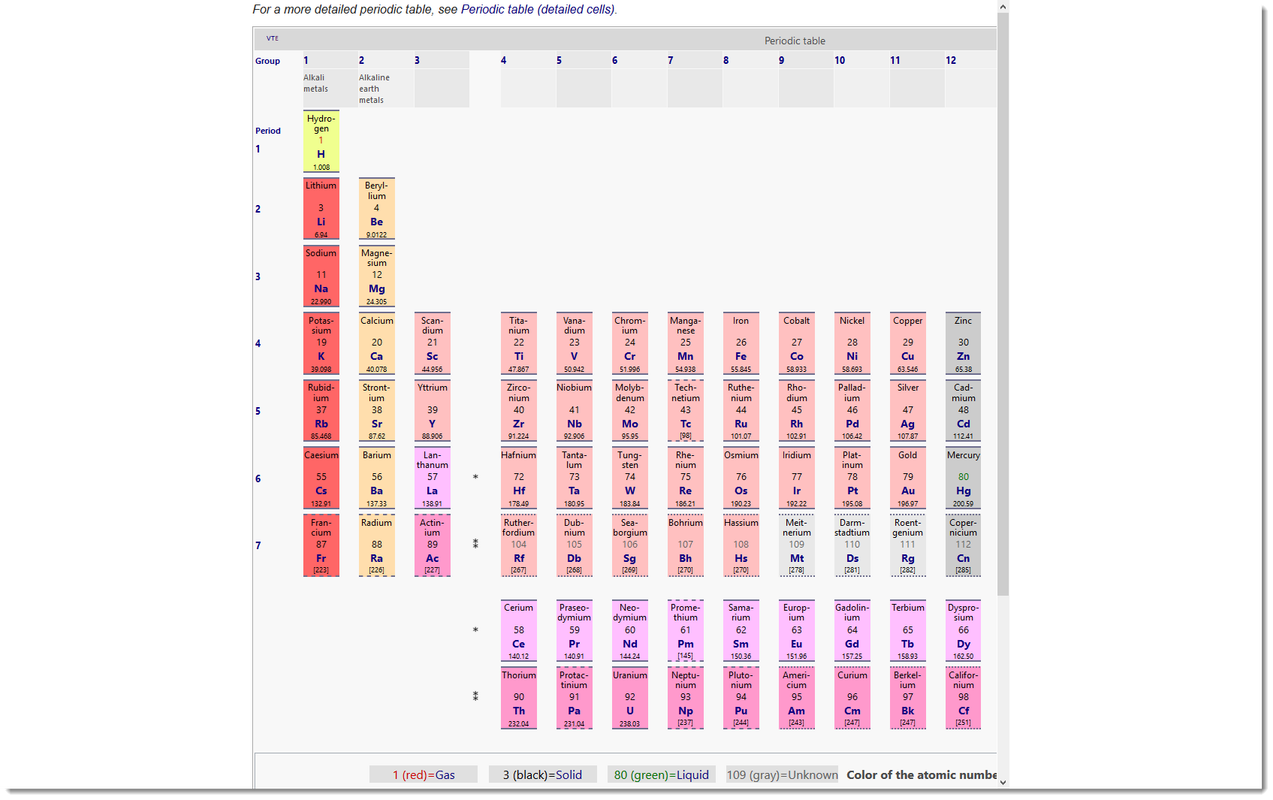
fullscreen-padding-no-title.png

Uses